Visit the site
Visit the siteOrganizations Involved
Community contributions
Our development team submitted a patch to the Search and Replace Scanner module to enable it to work with specific configurations of Paragraphs.
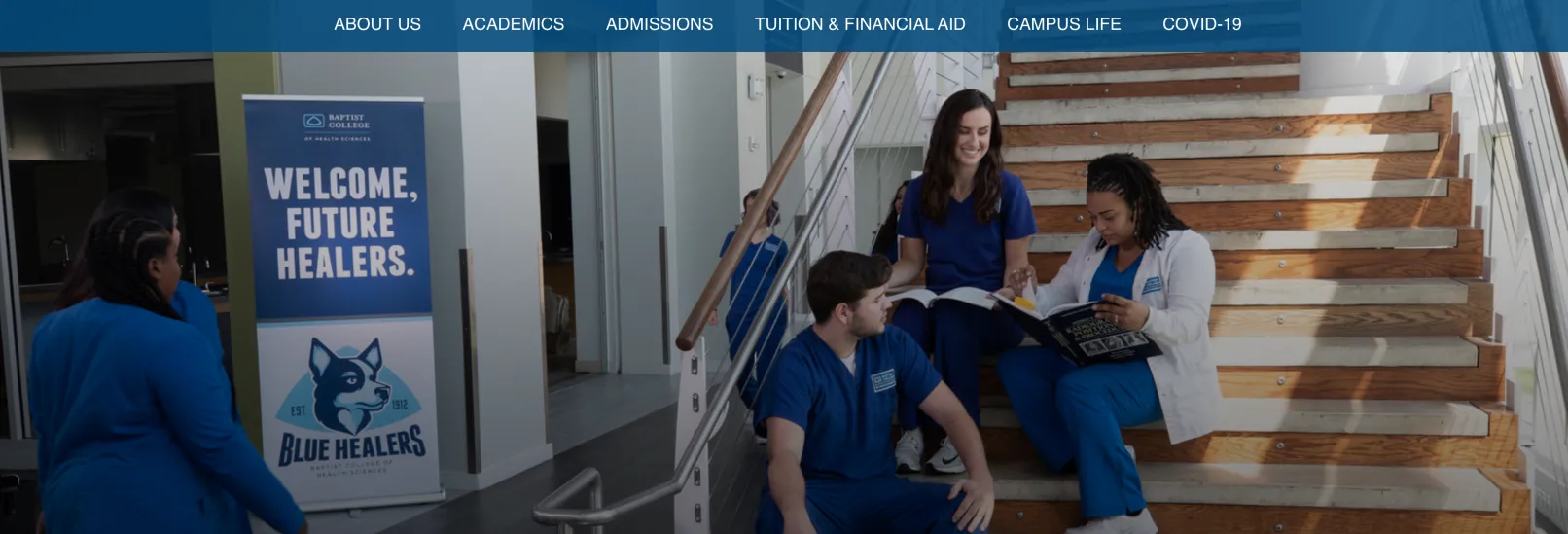
Baptist Health Sciences University (Baptist University) prepares graduates for careers of service and leadership by providing a comprehensive health sciences education within an integrated environment of learning and Christian principles. Baptist University offers academic programs in general education and health studies, allied health, and nursing through undergraduate and graduate degree programs.
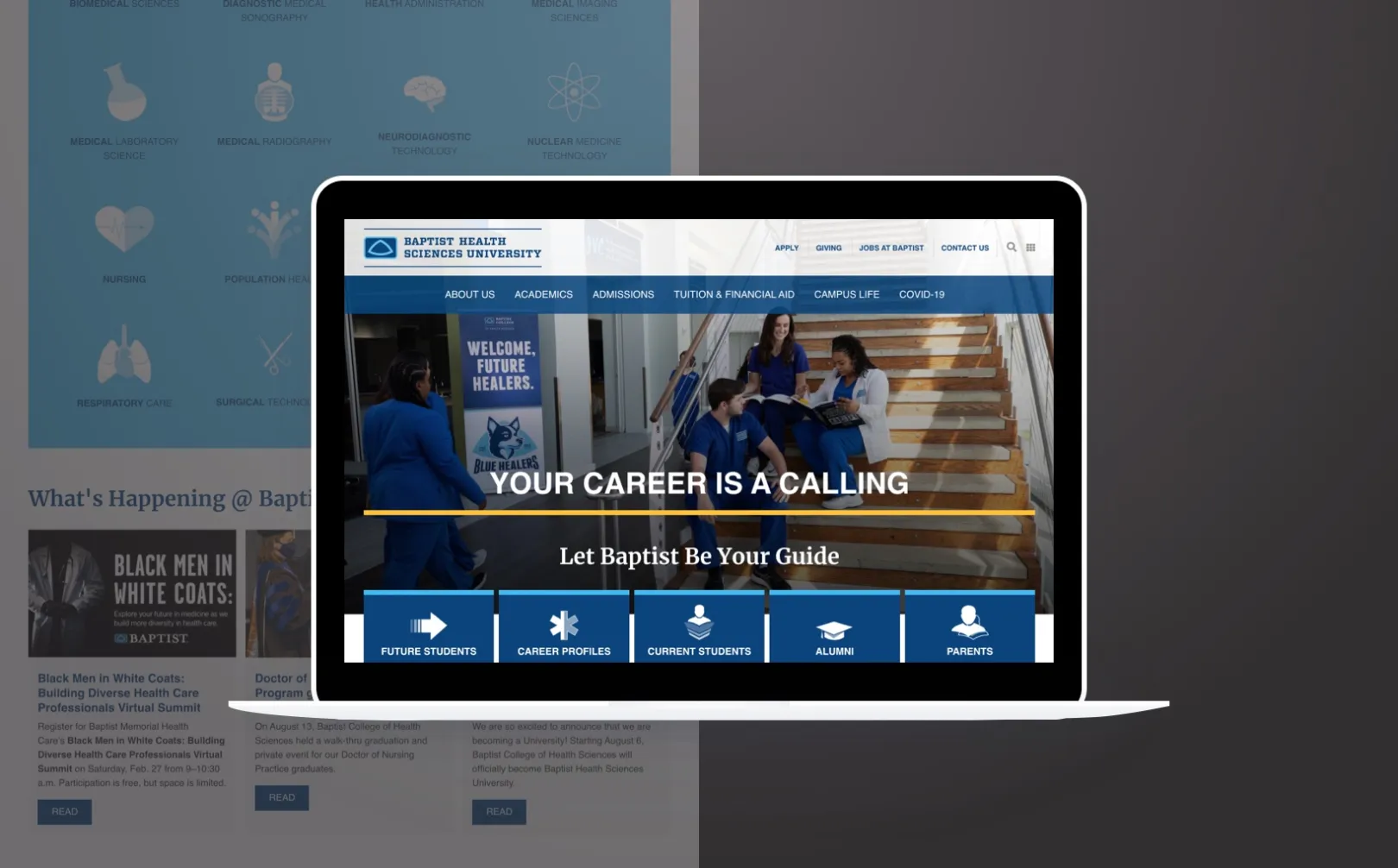
Baptist University became a Redfin Solutions client in 2012, and we’ve been working with them ever since. Over the years, we’ve helped Baptist University build a secure, user-centered website that integrates seamlessly with a number of databases and caters to the needs and expectations of prospective and current students. We’ve partnered with Baptist University through numerous Drupal upgrades (including the most recent upgrade from Drupal 8 to Drupal 9), a full site redesign in coordination with a school-wide rebrand, and iterative enhancements to designs and custom modules.
About the project
The big picture
Redfin has partnered with Baptist University through several Drupal upgrades and site enhancements. Most recently, we seamlessly migrated their site to Drupal 9, using automated testing to ensure no content was lost as we unlocked Drupal 9’s cutting-edge features and intuitive content authoring solutions. We have helped align their website with the primary strategic goals of increasing applications to specific academic programs, serving tailored messages and engaging content to unique target audiences, and integrating with external platforms for automatic and accurate content updates.
The Baptist University website must meet the needs of a diverse user base — from prospective and current students to faculty, staff, and donors. They needed clear calls to action across device types, user-friendly forms, up-to-date content, and personalized experiences for every user journey.
User experience strategy & visual redesign to increase enrollment
The Baptist team recognized that their website faced challenges in guiding users through the enrollment process and enlisted Redfin to help restructure their site. Redfin’s user experience experts gathered data from Google Analytics and SiteImprove (a digital marketing and accessibility platform) and conducted a thorough competitive analysis to identify barriers in enrollment user journeys and recommend improvements to the user interface. We focused on understanding user behavior on the academics landing page and individual program pages, with the ultimate goal of increasing click through rates to key enrollment calls to action: request information, visit campus, and apply.
Encouraging program discovery
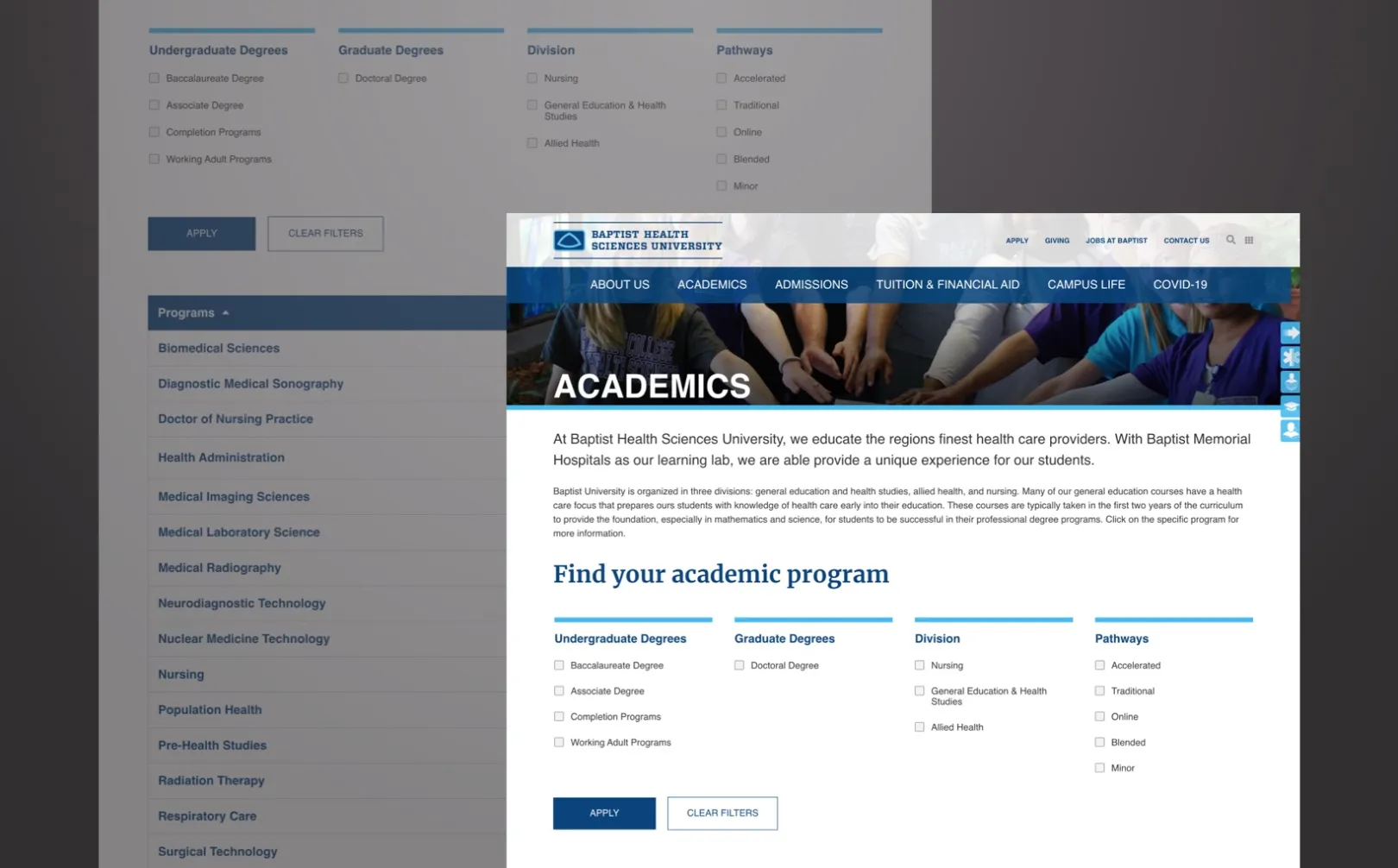
The first challenge was to transform the academics landing page into an easily scannable and discovery-oriented academic content hub. Prior to the redesign, the academics landing page contained a long sidebar menu and an additional quick links grid offering repetitive information. Redfin found that users were more likely to use the sidebar menu or to resort back to the main navigation than to use the quick links grid. However, users were even more likely to use the site search bar in hopes of finding their desired academic program, with varying degrees of success.
To improve click-through rates to program pages, Redfin focused redesign efforts on providing a single, simple navigation structure on the landing page. To achieve this, Redfin designers replaced the sidebar menu and quick links grid with a single full-page list of academic programs, filterable by degree type, division (e.g. Allied Health), and pathways available (e.g. Accelerated, Online). The new layout allows users to scan all the programs at once, while also providing additional context through filter categories. Since implementing these changes, program pages have seen an average 7% increase in traffic from the academic landing page, with popular programs seeing increases over 90%.
Streamlined, mobile-friendly program pages
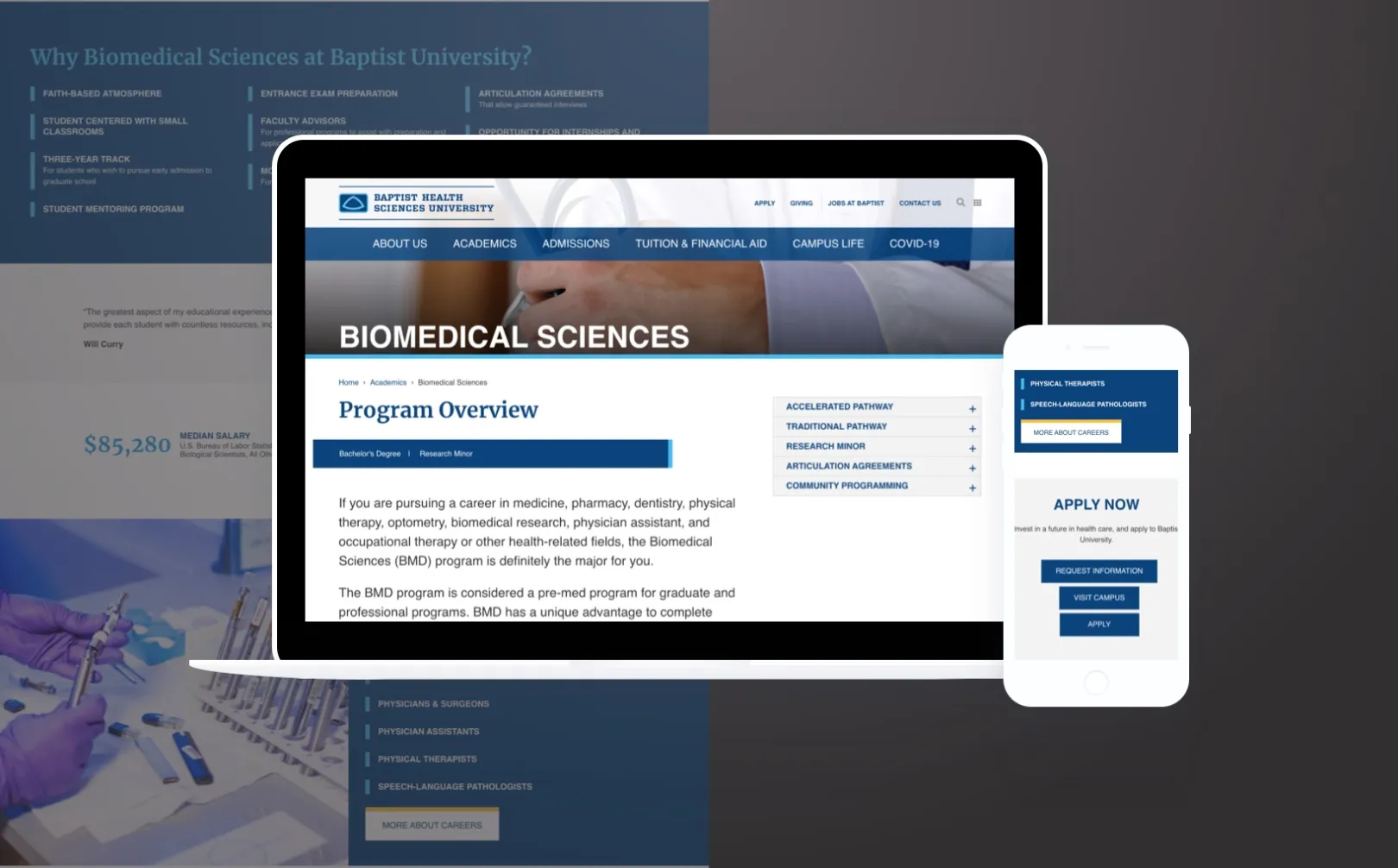
On the program pages, Redfin found that users were staying near the top of the page, only scrolling until they thought they’d found what they needed—often causing them to click away from the page before accessing key enrollment calls to action. Based on heatmaps and click through rates, Redfin concluded that the current page buttons were not offering relevant calls to action and that users were being distracted by a sidebar navigation, particularly intrusive on mobile devices. To provide users with the content they need to take key enrollment actions, Redfin improved the readability of pages by reducing the user’s cognitive load, limiting the sidebar navigation, guiding users toward the primary calls to action, and ensuring that the mobile experience was prioritized. As a result of these changes, clicks to “Visit Campus”, one of three primary calls to action, increased more than 400%.
“The academic pages are performing well,” says Megan Bursi, Director of Marketing and Alumni at Baptist University. “I’m excited about how we restructured our menus to become more user friendly. Above the fold, right when they come on to the page, students can quickly glance to see what they want to do next.”
Engaging virtual experiences & dynamic custom content
To support prospective students in determining if Baptist University is the right fit and to prepare for enrollment, Redfin worked with Baptist to develop a number of digital tools and experiences, including a video gallery to showcase virtual tours, tuition and credit calculators, and an online readiness quiz. This content, developed to meet the needs of specific audiences, promotes interactivity and customized engagement.
Video tour gallery
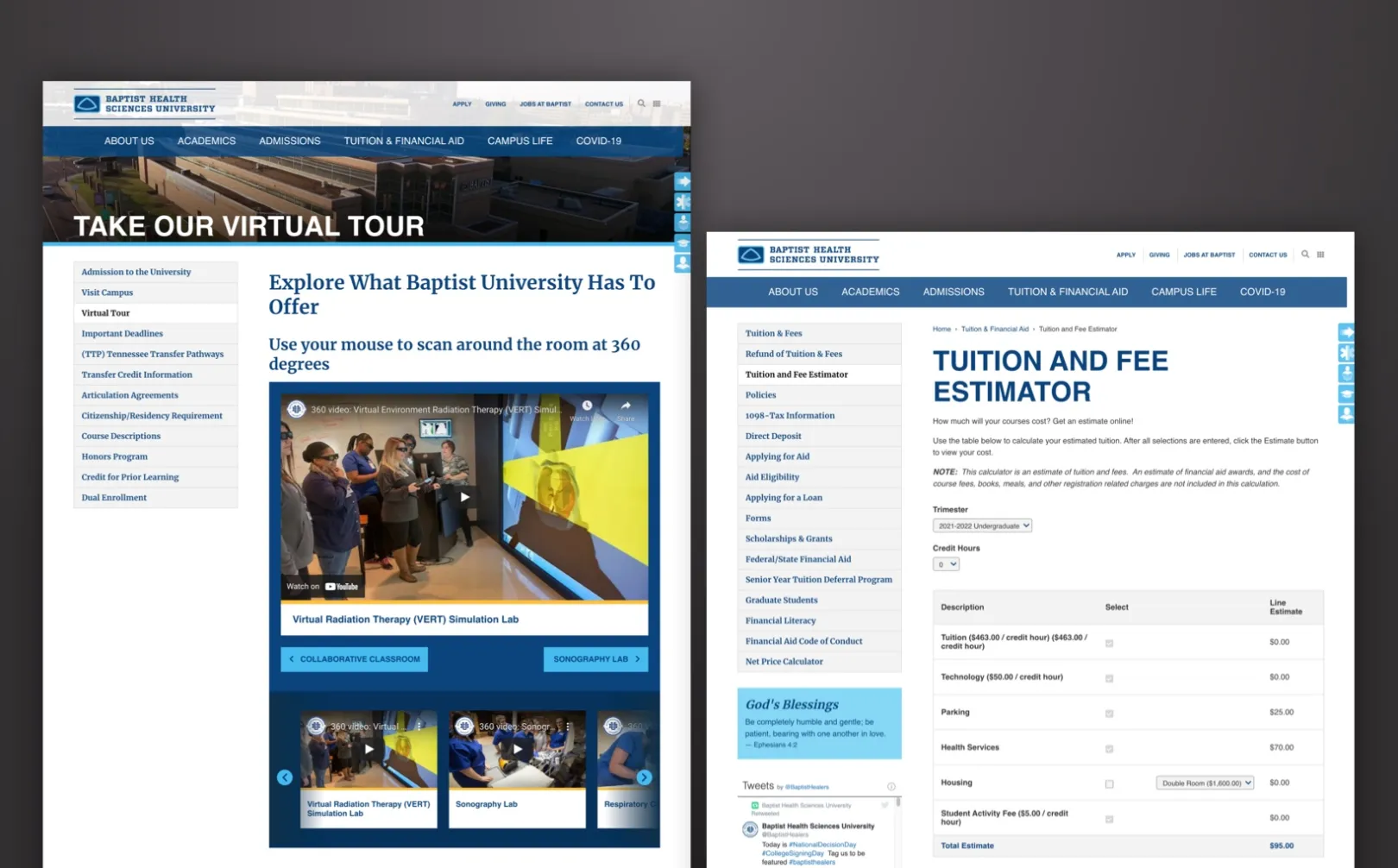
The immersive, 360-degree video tour allows prospective students to explore campus in the early stages of their decision-making process, right from their computer, tablet, or phone. The video player gallery, which displays 360-degree videos embedded from third-party apps, lets users view labs, equipment, classrooms, and the campus chapel from every angle with the click of a mouse or the swipe of a finger.
Tuition and fee calculator
The interactive tuition and fee estimator, powered by a custom Drupal module developed by Redfin, responds to user inputs to help students determine the cost of tuition and attendance—an important factor in many students’ college decision-making process. Users enter the trimester and number of credit hours they aim to earn, then select or deselect various extra costs (such as housing placements) to determine the cost of attendance. As fees and tuition costs fluctuate, Baptist content editors can easily edit Drupal fields to reflect changes.
Online readiness quiz
Redfin worked with Baptist University to develop the online readiness calculator, an assessment tool that helps students contemplating online programs determine if they are prepared for the commitment and digital-only experience. Users answer a series of questions and receive feedback on how they can prepare for the online university experience.
Integrations to maintain fresh data
Like many higher education institutions, Baptist University utilizes a number of digital platforms across departments and operations, from third-party databases to learning management systems. For Baptist, it’s important that data on their website is always up to date so that their audiences are accessing accurate information.
Redfin has worked with Baptist to ensure that Drupal integrations with third-party platforms are smooth and require minimal manual implementation. For instance, a faculty import from an external Microsoft SQL database is configured to run automatically every night, immediately updating faculty and staff pages on the website and eliminating duplicative data entry. Similarly, course information is imported nightly from Jenzabar, a Student Information System, and is pulled into the Baptist website to populate academic curriculum paths and help students determine transfer credit equivalencies.
For both of these integrations, Redfin faced the challenge of pulling in information from custom and proprietary non-MySQL databases. Our team developed a solution using the SQL Server module, a Drupal driver for Microsoft SQL Server database engines. Then, we wrote a migration that uses the driver as its source and pulls in relevant data on a set schedule.
Strategic guidance
As a higher education institution, accessibility and discoverability are of the utmost importance—which means ensuring that everyone can find the information they need. In addition to providing technical solutions, Redfin provides strategy and consultation on issues like accessibility and search engine optimization (SEO). Redfin and Baptist regularly conduct audits using automated tools like SiteImprove alongside manual processes to ensure all site pages comply with the Web Content Accessibility Guidelines developed by the World Wide Web Consortium. Additionally, we make sure these pages are findable in search engines by auditing missing metadata and reporting on rankings and backlinks.
“Redfin helps us stay above the trends. Everything is changing so quickly. We give [Redfin] a problem and they provide a solution.” - Megan Bursi, Director of Marketing and Alumni at Baptist Health Sciences University.
Why Drupal was chosen
Baptist University has been using Drupal to power their website for over a decade. It provides streamlined, flexible content authoring, and its built-in accessibility features enable our client to meet diverse user needs. These features, along with its commitment to open-source software and security, have made Drupal a top choice for higher education clients.
Technical Specifications
Drupal version:
Key modules/theme/distribution used:
In addition to evaluations for security and stability, Redfin chose the modules that best fit client needs.
Paragraphs & Display Suite were chosen to give flexibility to content editors while maintaining consistency. We used Paragraphs to create a collection of components that can be arranged on a content type via Display Suite. Display Suite also allowed us to define view modes for content types so that they can be displayed a variety of ways across the site; e.g. as cards, teasers, or full content pages.
SQL Server was used to integrate the client’s website with their non-MySQL databases. This ensures that course information and staff information is always up to date on the website.
Groups were used to give certain groups of stakeholders, such as board members, access to particular sections of the website.
Search and Replace Scanner was chosen to replace text across the site to accommodate updated brand language.