Adevinta Spain asked Omitsis Drupal department to improve their team self-assessment tool (Self Sufficient Teams or SST). Adevinta is the company behind the marketplaces Fotocasa, habitaclia, InfoJobs, coches.net, motos.net and Milanuncios, each of them with millions of visits. They are awesome people, very professional and also very nice.
The tool was originally done in and had served them very well, but they needed to implement some improvements. When evaluating them, we both saw that the best solution was to create a backend with Drupal 9 and a frontend with React. That is, a headless Drupal with React.
(the proyect url is private, i've put drupal.org in project url instead)
About the project
The tool
As a quick summary of how the tool works, it is a series of self-assessment tests. Each test consists of a series of grouped questions.
Users can answer yes or no to a question, and add a comment. Depending on their answers, they are given a score for each group of questions and a final score.
In order to improve as a team, actions can be created, things that the team thinks will help them move from no to yes, and commits to do.
The backend: headless Drupal 9
As mentioned above, for the backend we use the latest version of Drupal 9 with the following special features:
Custom entities
Instead of using bundles of nodes (content types), we saw that it made more sense to create custom entities for each of the structures required for our application. This needed very specific specifications, such as the possibility to create new test templates, without modifying past tests.
Migration from wordpress to Drupal 9
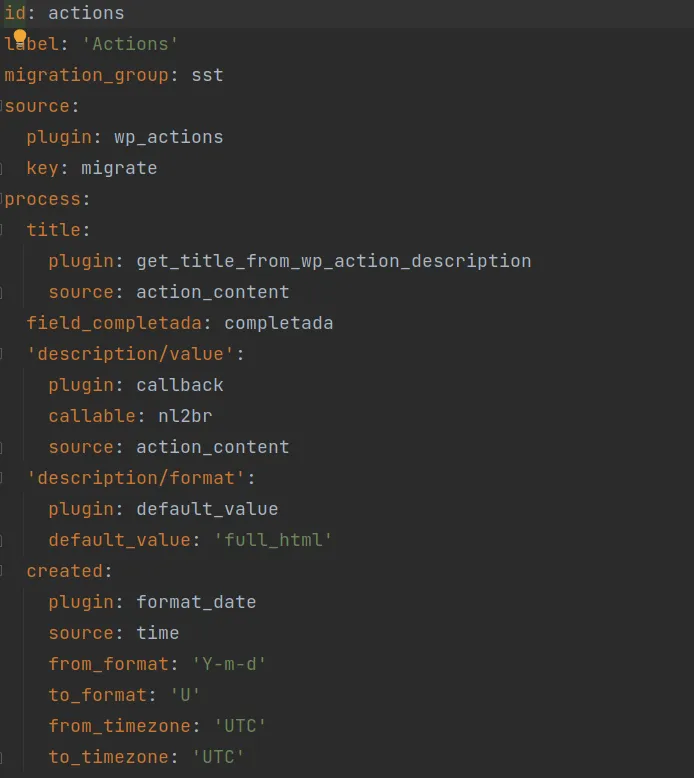
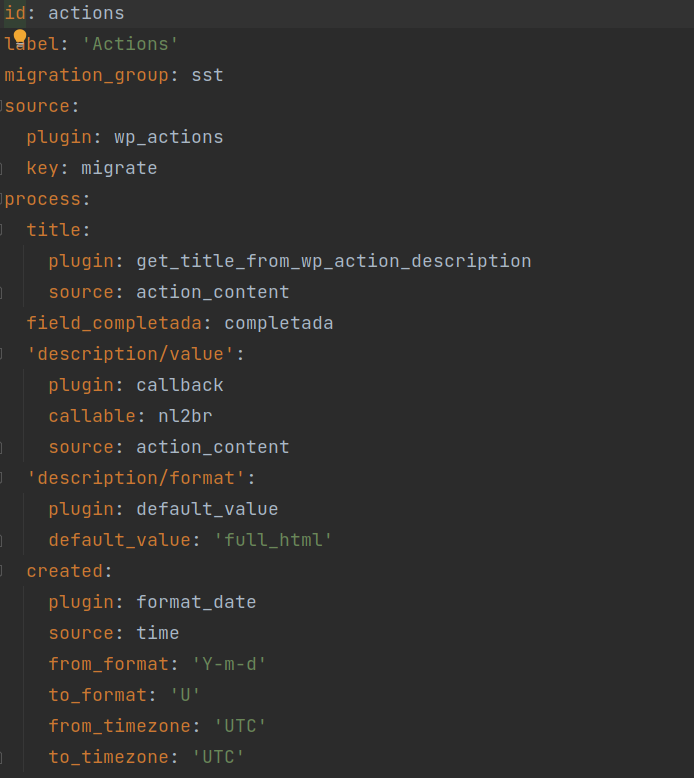
As always from Omitsis, we approached a migration using the fantastic migrate module. For that, we created a source plugin for each entity to migrate, plus a few process plugins, in order to transform the wordpress data in the way Drupal needs it.
JSON:API
In order to pass information between the frontend and the backend we use JSON:API, already in the core of Drupal for some time.
JSON:API sends what are referenced fields in an array different from the returned array of the requested entity's data. Let's say I make a request for an entity called recipe and it has ingredient fields.
When we tell JSON:API to include the ingredient information, it doesn't do so within each recipe, because if we have a thousand recipes and the vast majority contain the ingredient onion, it would include the full onion information many times.
Instead, a reference (an id) to the onion entity is included, but the onion fields are in an array of includes, so it will only be there once, and will take up much less space. But this is very impractical when you get it in React, because for each entity you have to look up all its nested entities, and even more if there is more than one level.
For that there is the JSON:API Include module but, after evaluating it, we dismissed it because it made our requests, with the nested architecture we had, too heavy. Instead, we found it much more efficient to do the same process on the client with the jsona package. This way, we had lighter requests and a much more practical data structure in React.
Also, to improve the performance of the requests, whenever possible we merged all requests into one, saving the cost of the network layer of each request. For that, there is the excellent subrequests module, very well explained here by Mateu, its author.
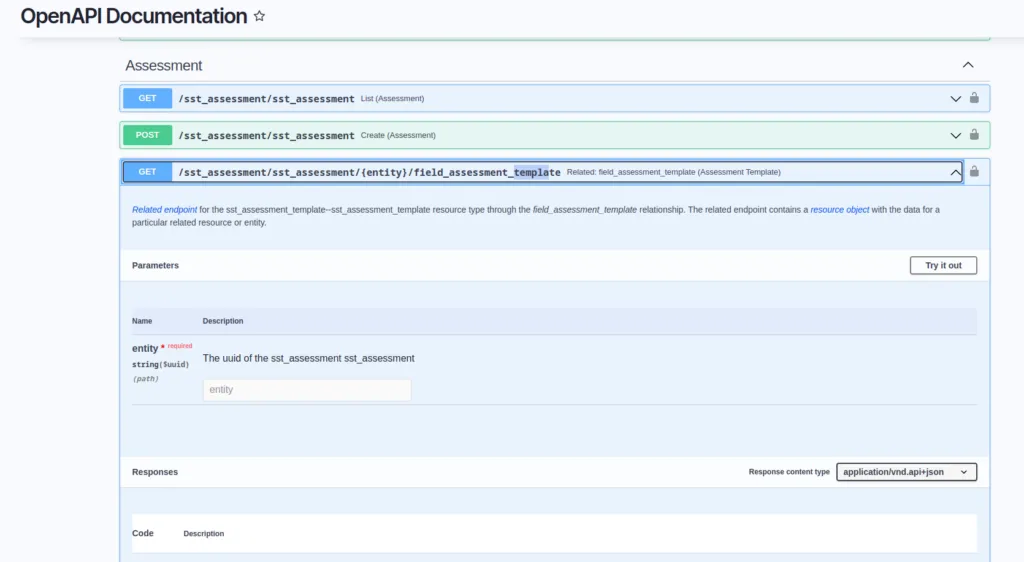
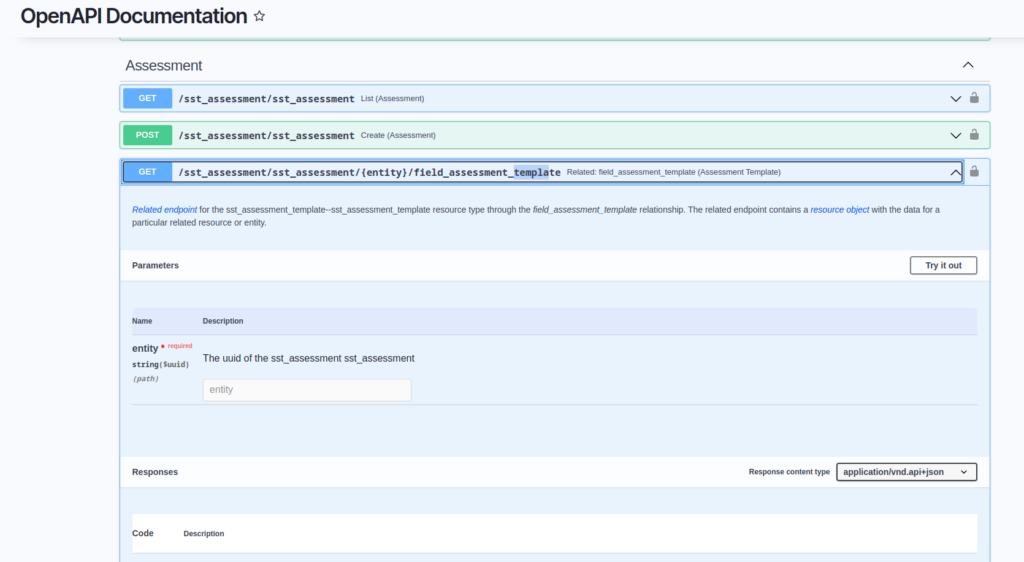
We also used Open API, so that the frontend team had it very clear and easy to know all the JSON:API endpoints, filters, etc.
Backend administration
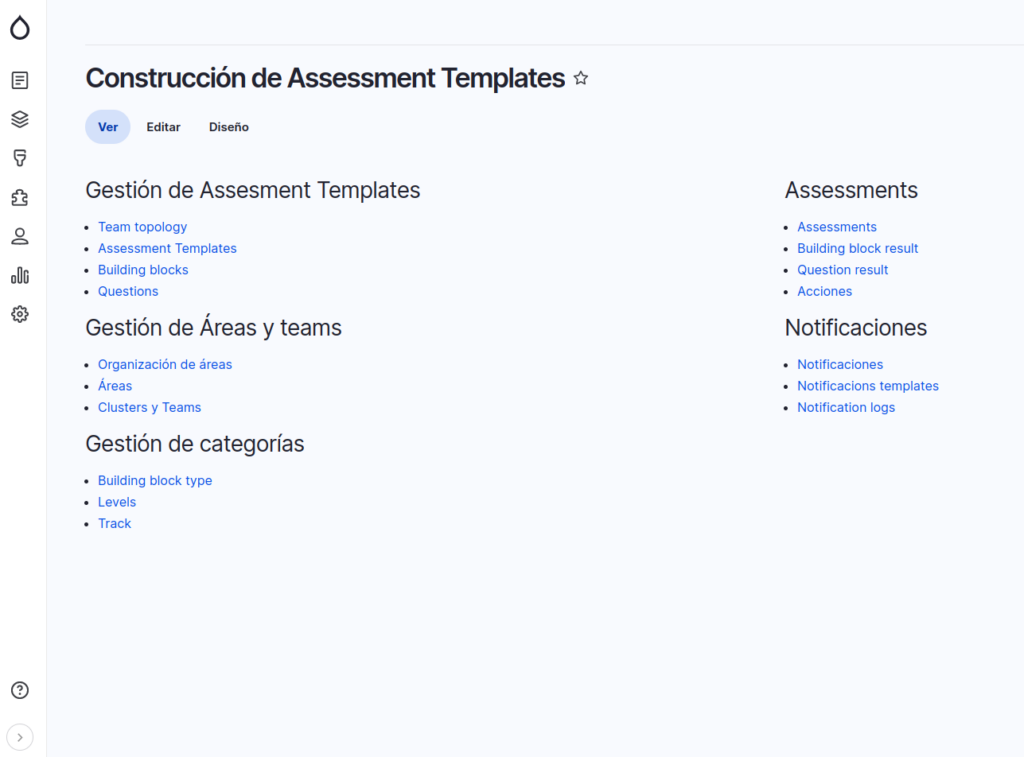
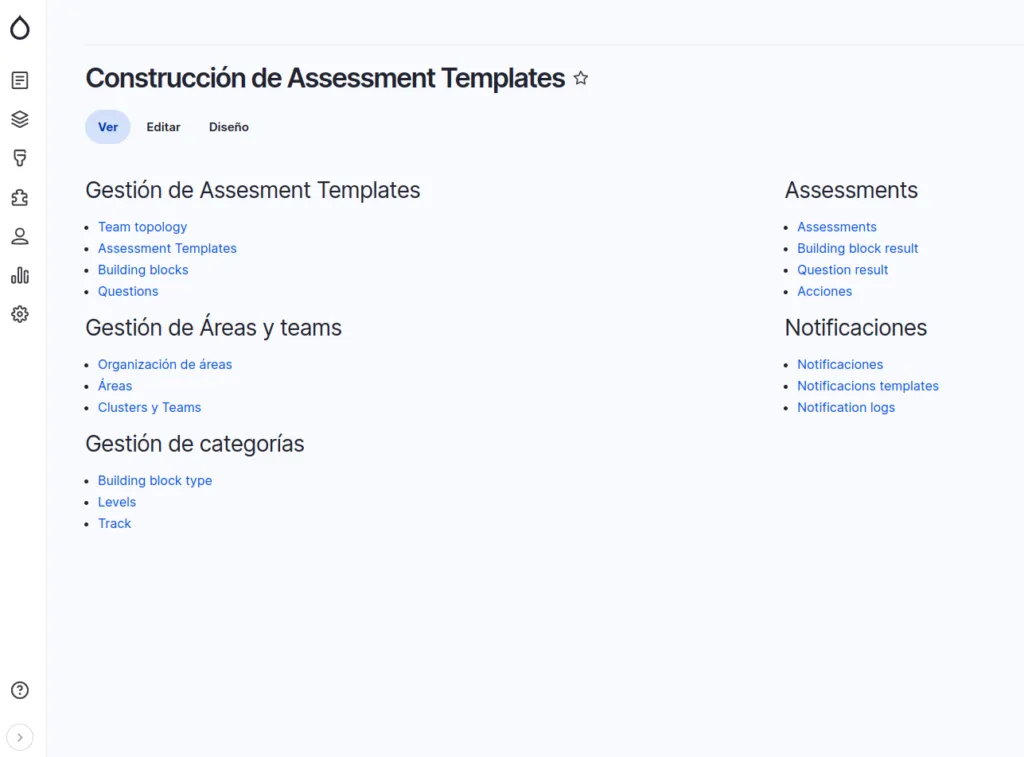
For easy administration in the backend the Gin theme was used, along with the Gin toolbar. A simple dashboard with the most important shortcuts was also created.
In addition, special care was taken with the entity lists and forms to make them as usable as possible. And with the help of the Corresponding Entity References module, it was made easier to create cross-references, just by editing from one part.
Adevinta asked us to make it possible to access the backend and frontend through Okta. To manage SSO (single sign on) with Okta in the backend, we used the SAML SP 2.0 Single Sign On (SSO) - SAML Service Provider module.
Exports of data tables
To integrate the results with their data lake, we created csv exports, which were generated with the cron (with the help of ultimate cron) every night. These exports were uploaded directly to an Adevinta S3 bucket, using the S3 File System module.
Frontend with React
The React application was created using create-react-app. As it was a private frontend, it was not necessary to use tools to create static code or code that would run on the server (Server Side Rendering).
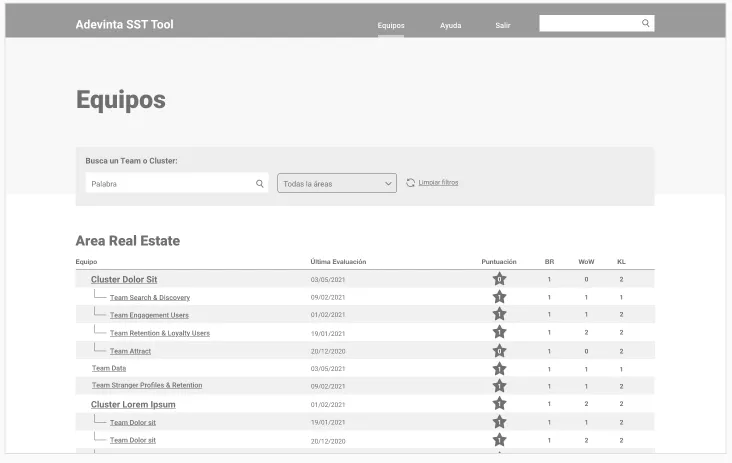
The design of the public side was taken over by our fantastic design department at Omitsis. They met with the client to get to know their needs in order to create the first wireframes.
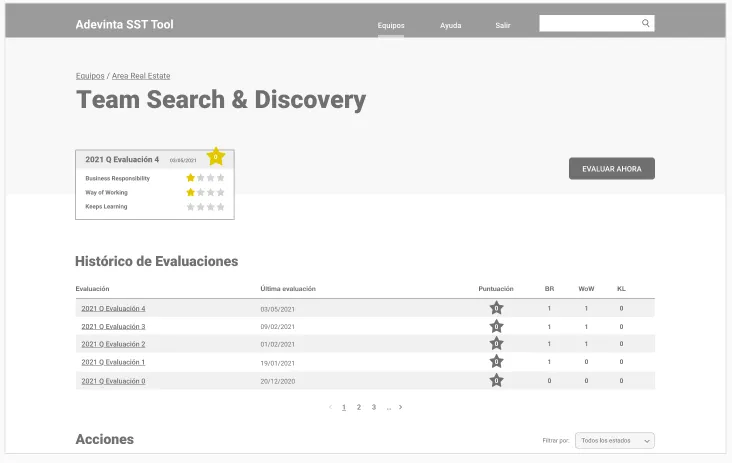
Wireframe of the main page, showing the list of teams
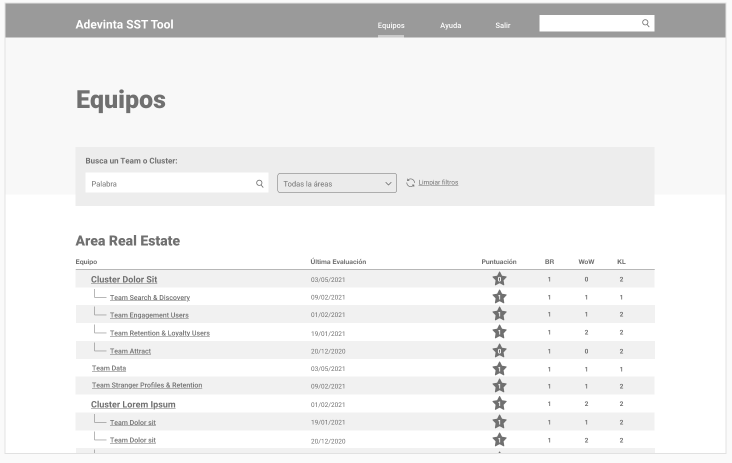
.
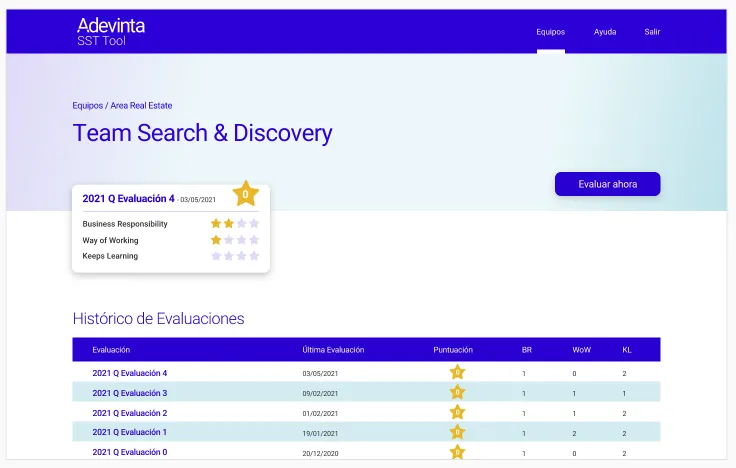
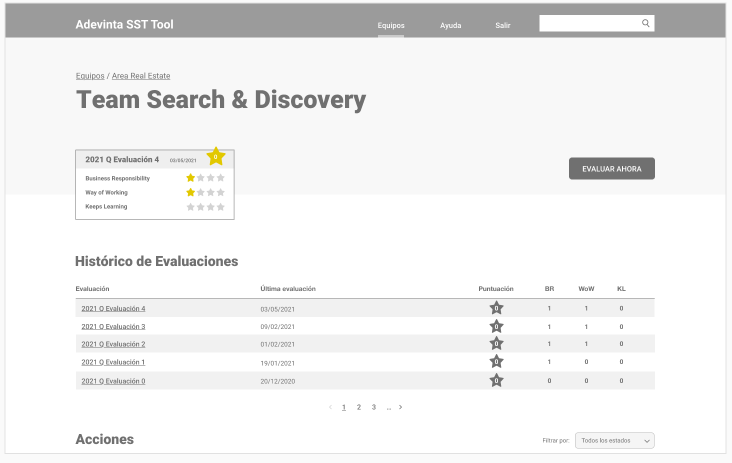
A team's page, with its evaluations and actions.
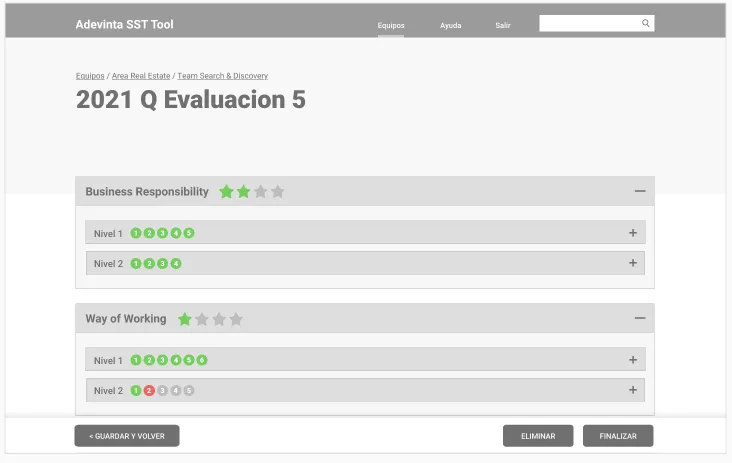
Wireframe of an evaluation, with the sets of questions and their results.
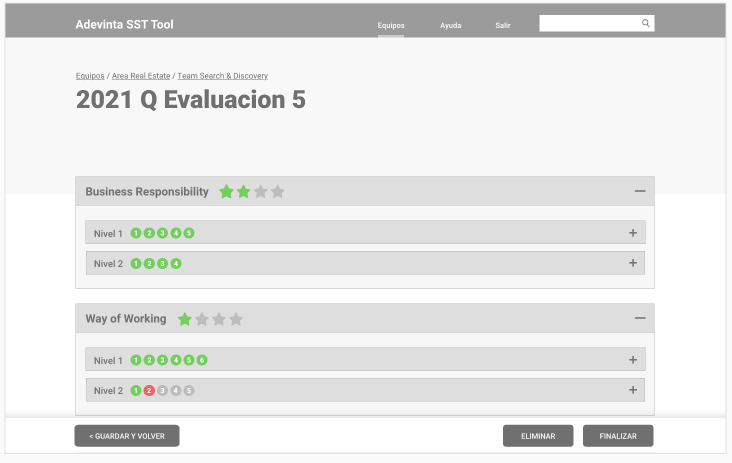
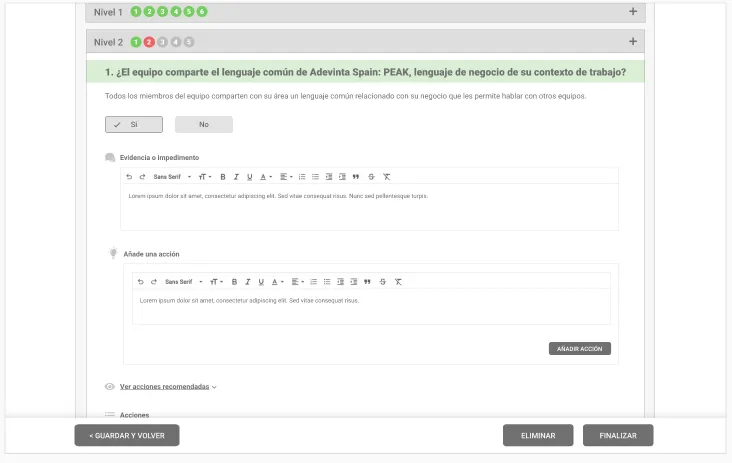
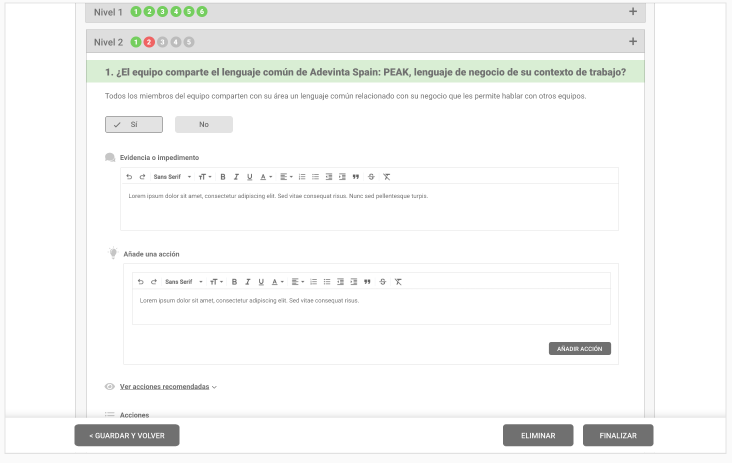
Wireframe of an evaluation, zooming in on the part of a question.
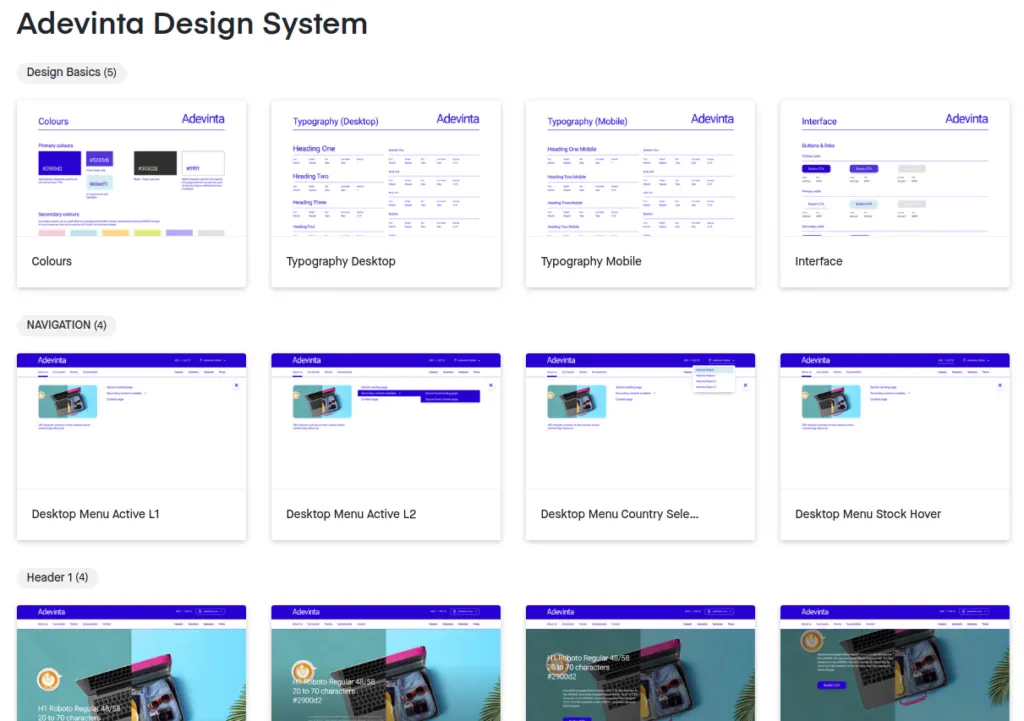
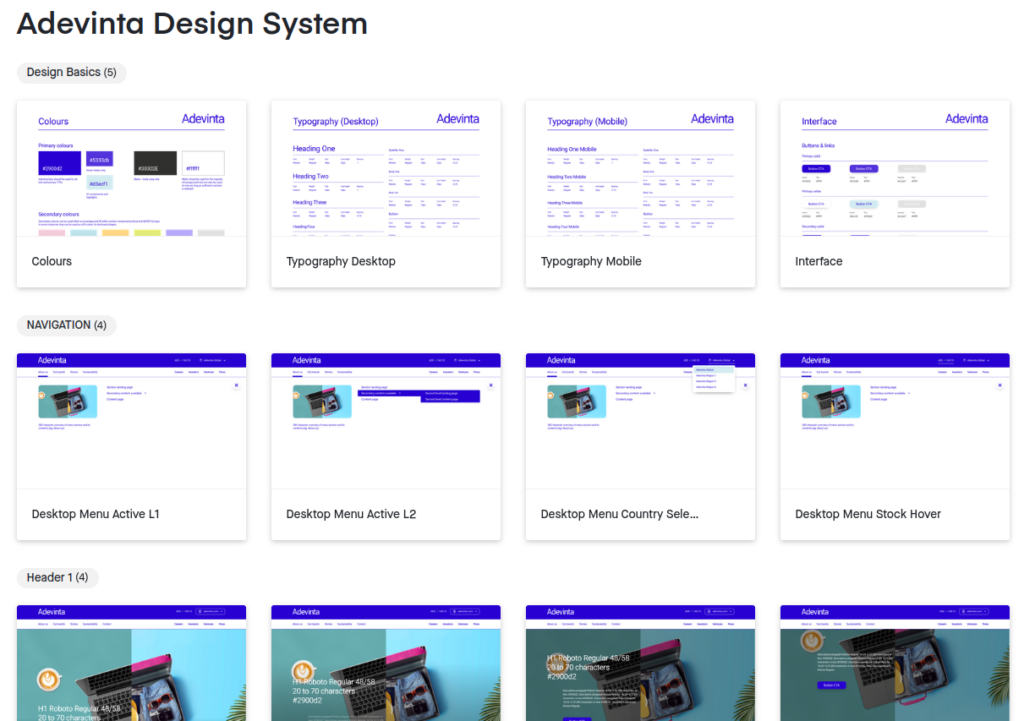
Once created and validated, the design of each page was created, using Adevinta's design system:
Adevinta design system
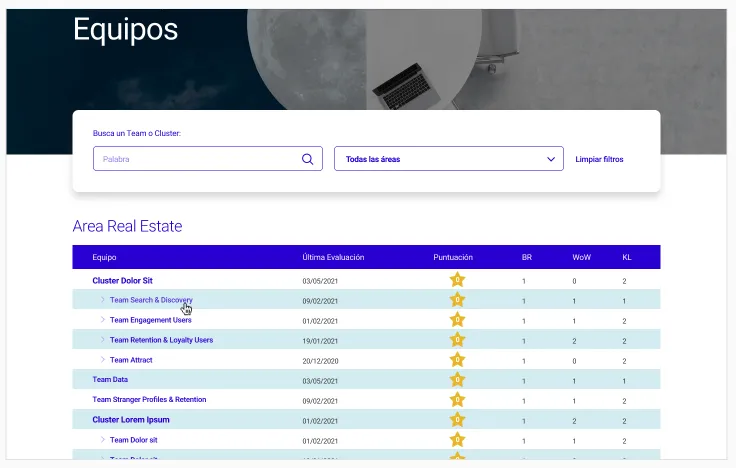
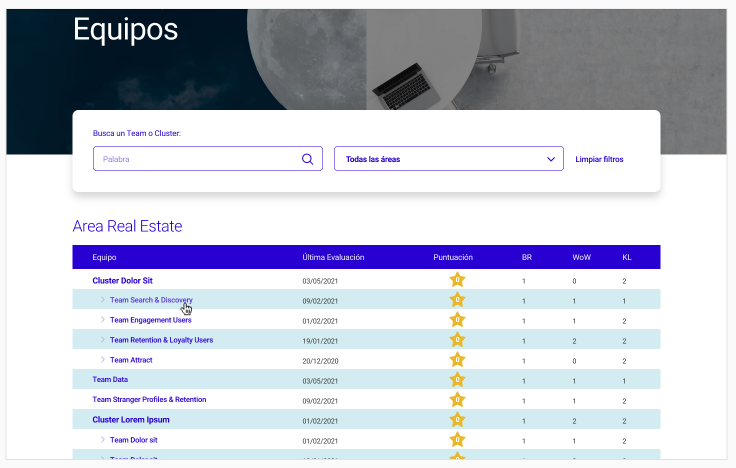
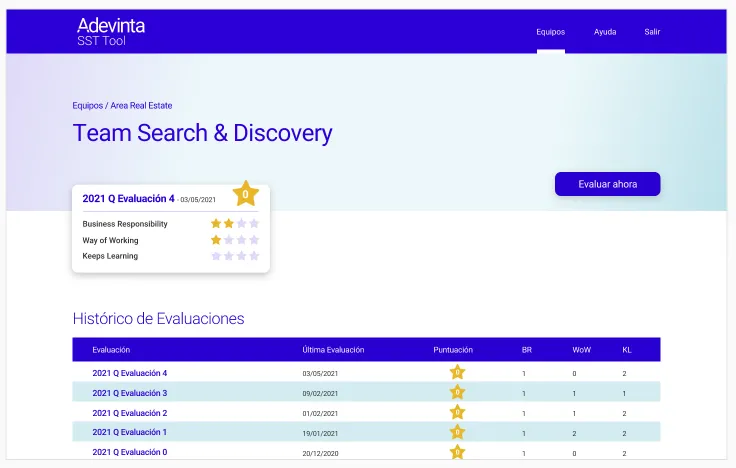
Design of the teams page
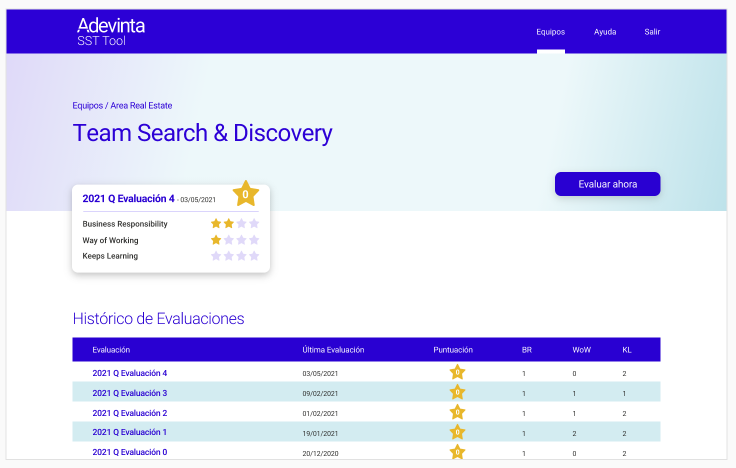
Design of the team page
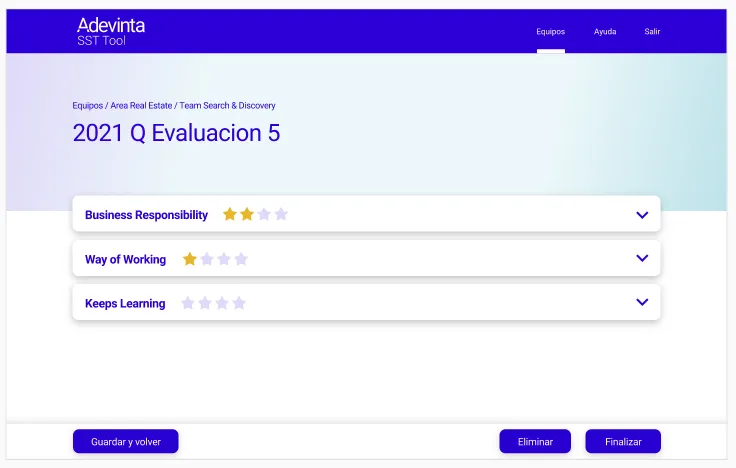
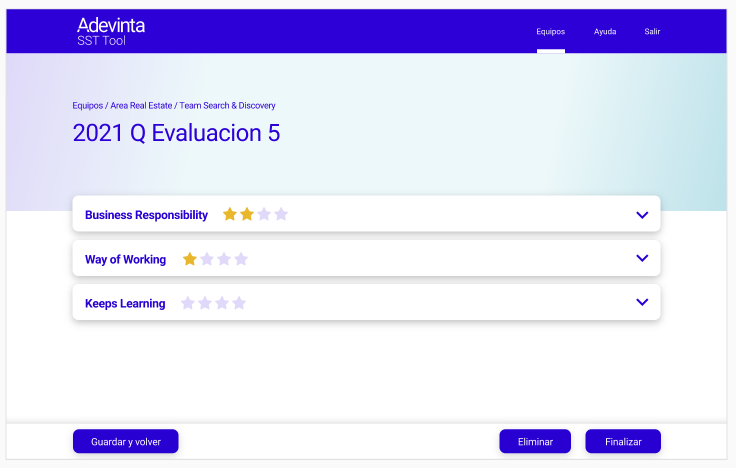
Design of an evaluation page
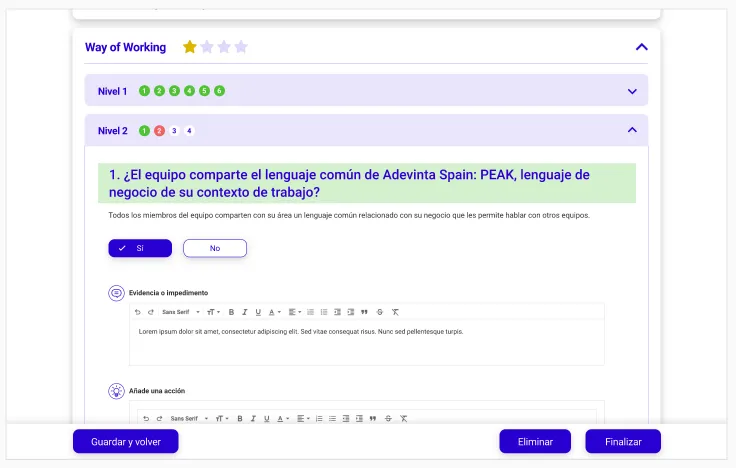
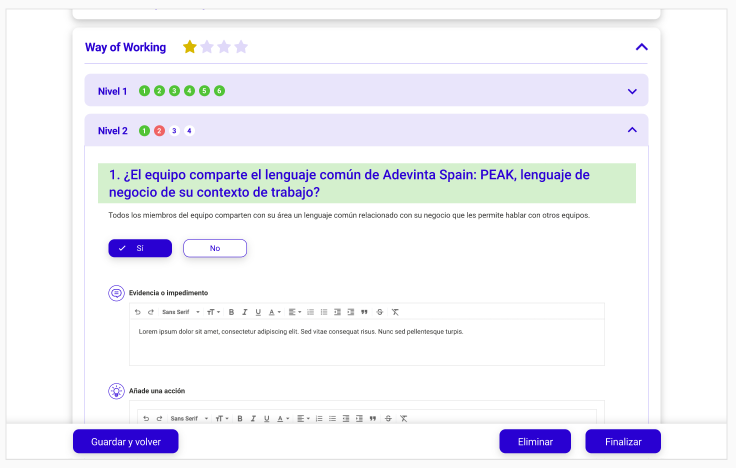
Page layout of an evaluation, zoom in on a question
React frontend performance improvements
The following aspects were taken into account to ensure that everything ran as smoothly as possible:
Minimize requests
Better always two requests than three, and one even better than two. Thanks to JSON:API you can include all the information you need in a single request: the entity, the related entities and the related entities of the related entities. And so on, up to the level you want.
Include only what is necessary in the JSON:API
Related to the previous issue, if we add many related entities with all their fields, we may find ourselves with a very complex internal query. This can make it need a lot of memory and the resulting JSON file can be too heavy.
To avoid this, you have to prune everything you don't need, using Sparse Fieldsets which allows you to specify which fields you want to return for each entity.
Grouping requests
As mentioned before, we make extensive use of the subrequests module to group more than one request, where possible. This saves us the time of the network layer. Not using JSON:API Include Also as mentioned before, in our case using JSON:API Include was not a good idea, as we could have requests that returned json that were too large (> 1MB).
We installed the jsona package and just by doing this:
import Jsona from 'jsona';
const dataFormatter = new Jsona();
It converted the json we get from the JSON:API into a more programmer-friendly one.
const json = {
    data: {
          type: 'town',
          id: '123',
          attributes: {
              name: 'Barcelona'
          },
          relationships: {
              country: {
                  data: {
                      type: 'country',
                      id: '32'
                  }
              }
          }
    },
    included: [{
        type: 'country',
        id: '32',
        attributes: {
            name: 'Spain'
        }
    }]
};

const town = dataFormatter.deserialize(json);
console.log(town); // will output:
/* {
    type: 'town',
    id: '123',
    name: 'Barcelona',
    country: {
        type: 'country',
        id: '32',
        name: 'Spain'
    },
    relationshipNames: ['country']
} */
Skeleton
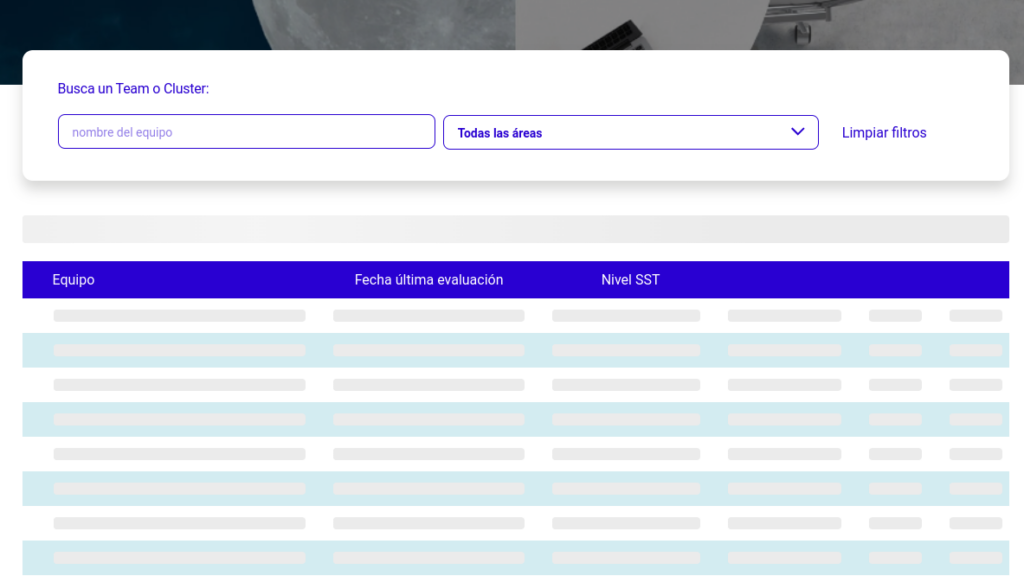
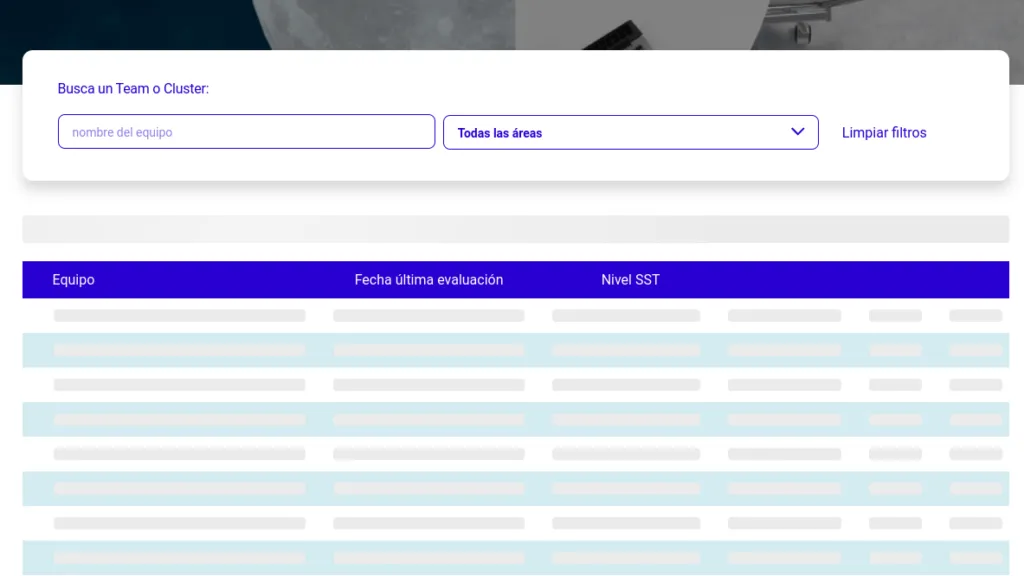
Instead of displaying loadings, we thought it was better to use a skeleton while loading data. This is now almost an industry standard, as the user's perceived performance is higher.
Single Sign On with Okta
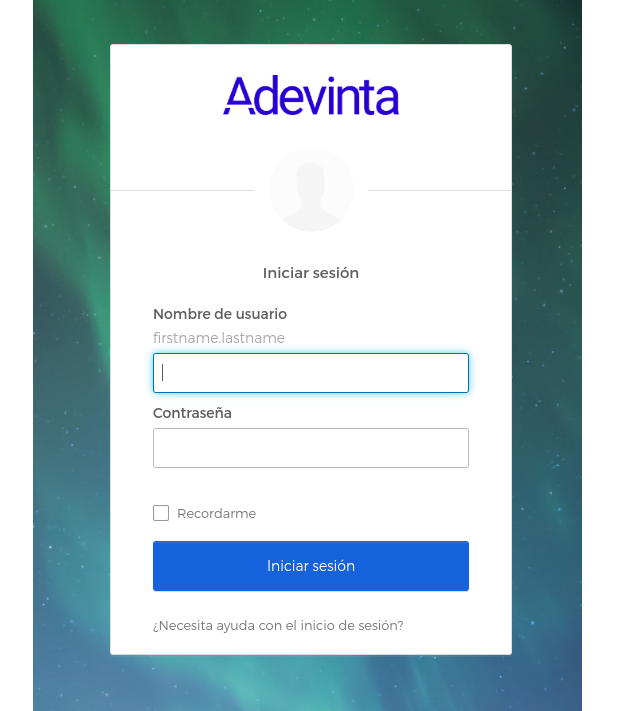
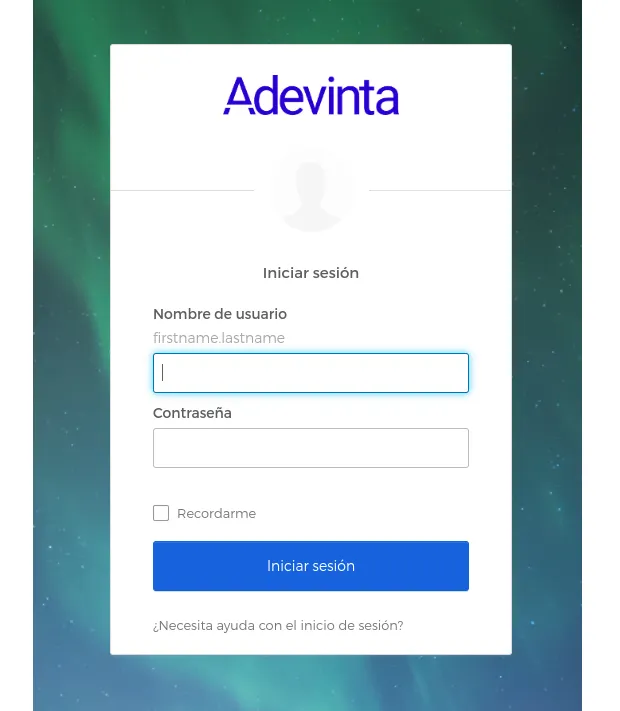
To access the frontend it was necessary for users to validate with Okta. To achieve this, we used the Okta React package and Okta Auth js.
When users entered the site, if they were not authenticated, they were redirected to Adevinta's Okta login.
Seamless integration with amazon
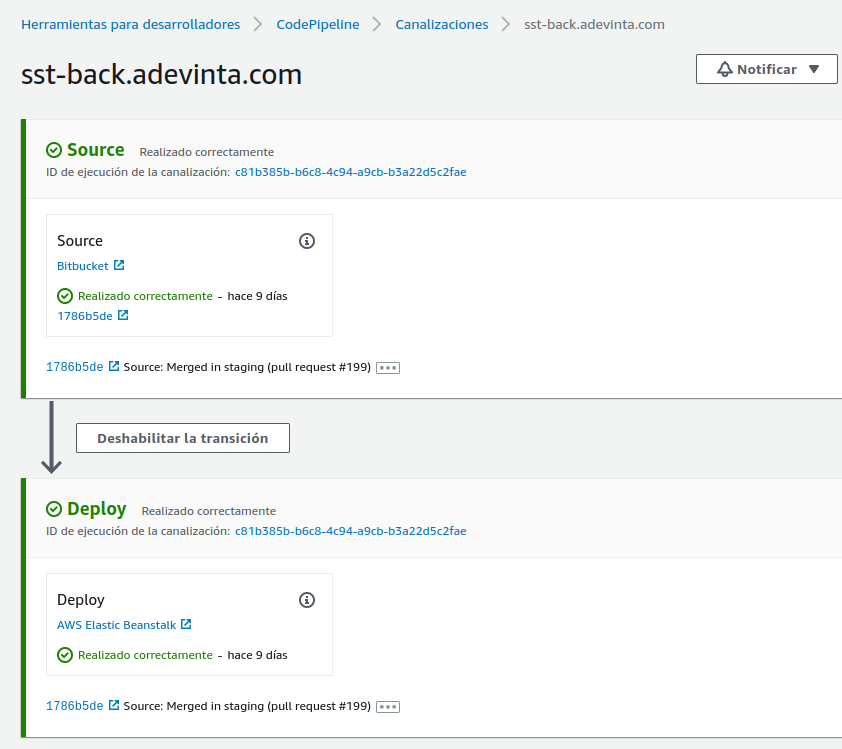
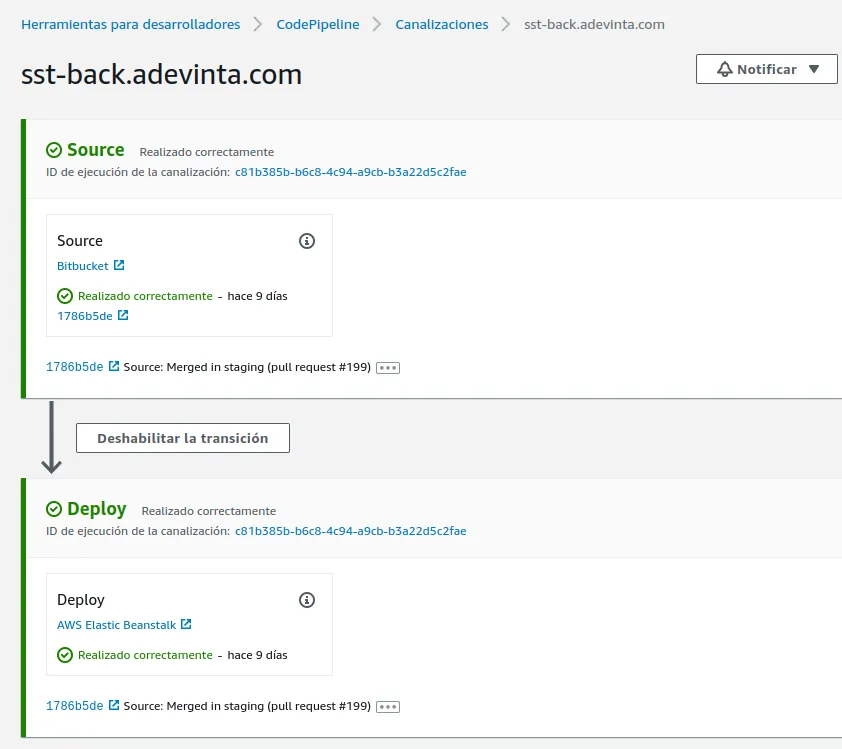
Using Amazon's Elastic Beanstalk, CodePipeline, EC2 and CloudWatch, our DEVOPS department created a continuous integration process.
With CodePipeline that "listens" for changes in the repository branches: master for the production environment, staging for the staging environment. When it sees a change, it makes a new deploy using Elastic Beanstalk.
Elastic Beanstalk then takes care of creating a new EC2 instance, runs the necessary tests and if all goes well, swaps it for the old one. If it fails the tests, it does not replace it and deletes it.
Why Drupal was chosen
One of the advantages is that they, being React experts, could get involved in the frontend development at any time. Obviously, another big advantage of using React was that the frontend could be more dynamic, with instant changes to user actions.
And Drupal, as a backend, is more than proven to be robust and at the same time flexible to the needs of the project.
Moreover, being opensource software, it is not necessary to pay monthly licensing fees like other proprietary CMS (Adobe Experience Cloud, Liferay, Contentful, etc).
Technical Specifications
Drupal version:
Key modules/theme/distribution used: