Sector(s)
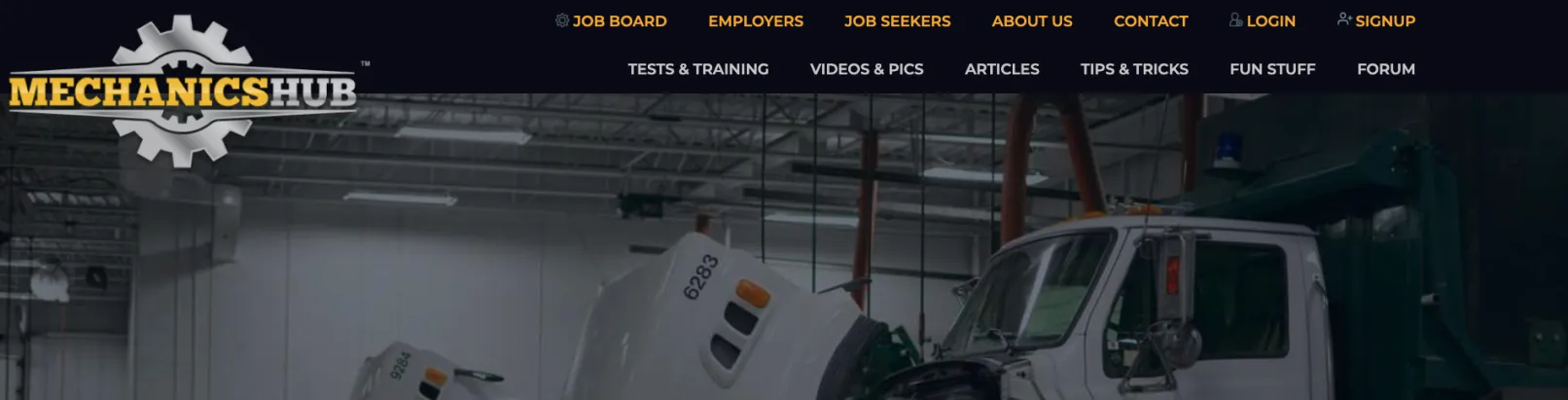
Mechanics Hub is the largest recruiting company for diesel truck mechanics and qualified heavy equipment technicians in North America.
It's also the go-to resource for employees looking to hire diesel machinery professionals in the USA or Canada: mechanics, technicians, shop managers, parts/service staff ...
On its website, Mechanics Hub goes beyond job board listing. It has also become the main online resource for diesel machinery professionals.
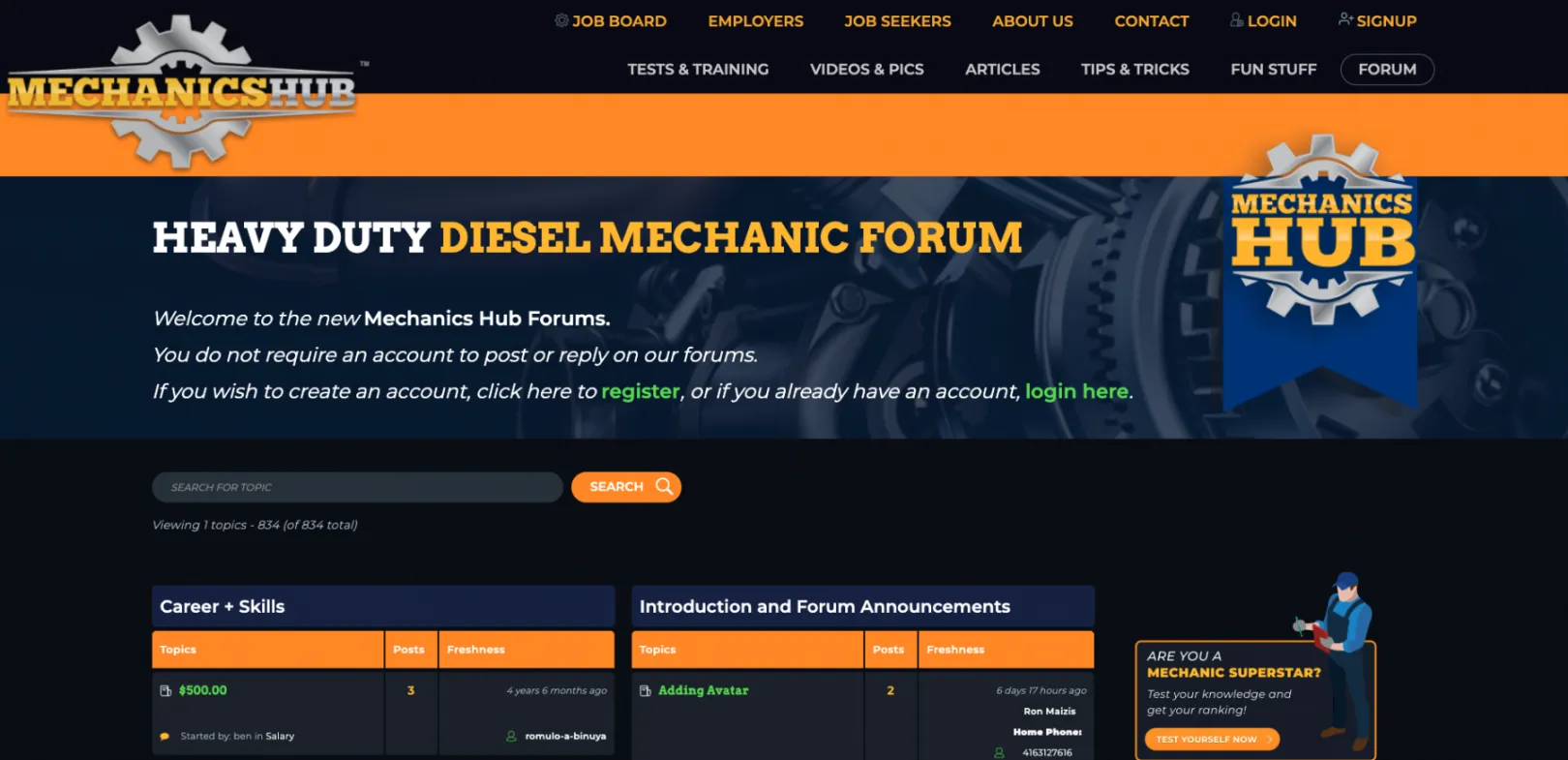
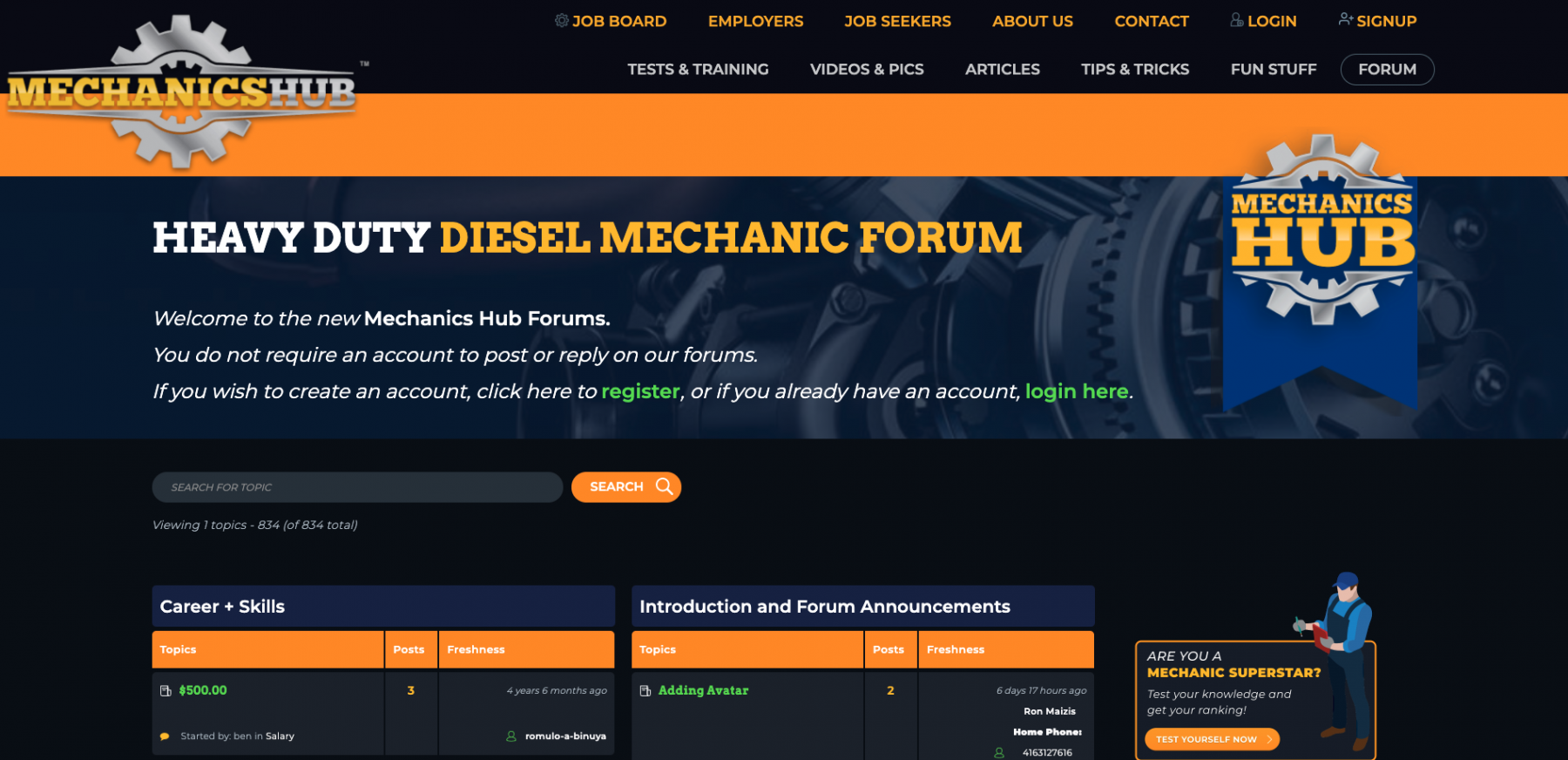
There, they can find training resources, industry news, entertainment content. And even join a Diesel community forum.
In short, Mechanics Hub is both:
- America's top recruiter for Diesel trucks and heavy equipment mechanics
- a content-rich resource for these professionals
As you can imagine, delivering the best user experience on such a high-traffic website (the forum only has +10.000 active members) is critical.
And this is where the OPTASY team came in ...
About the project
The Challenge
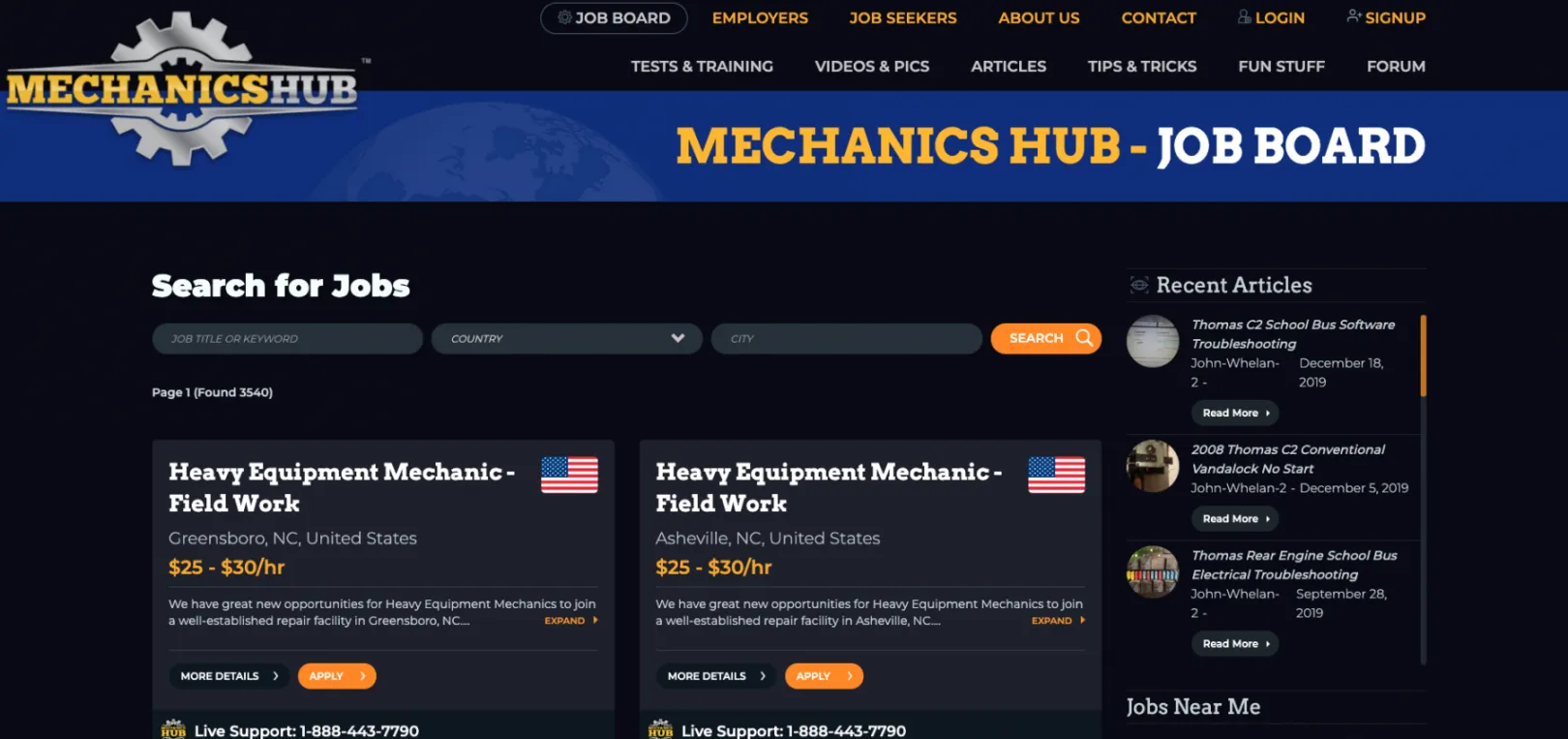
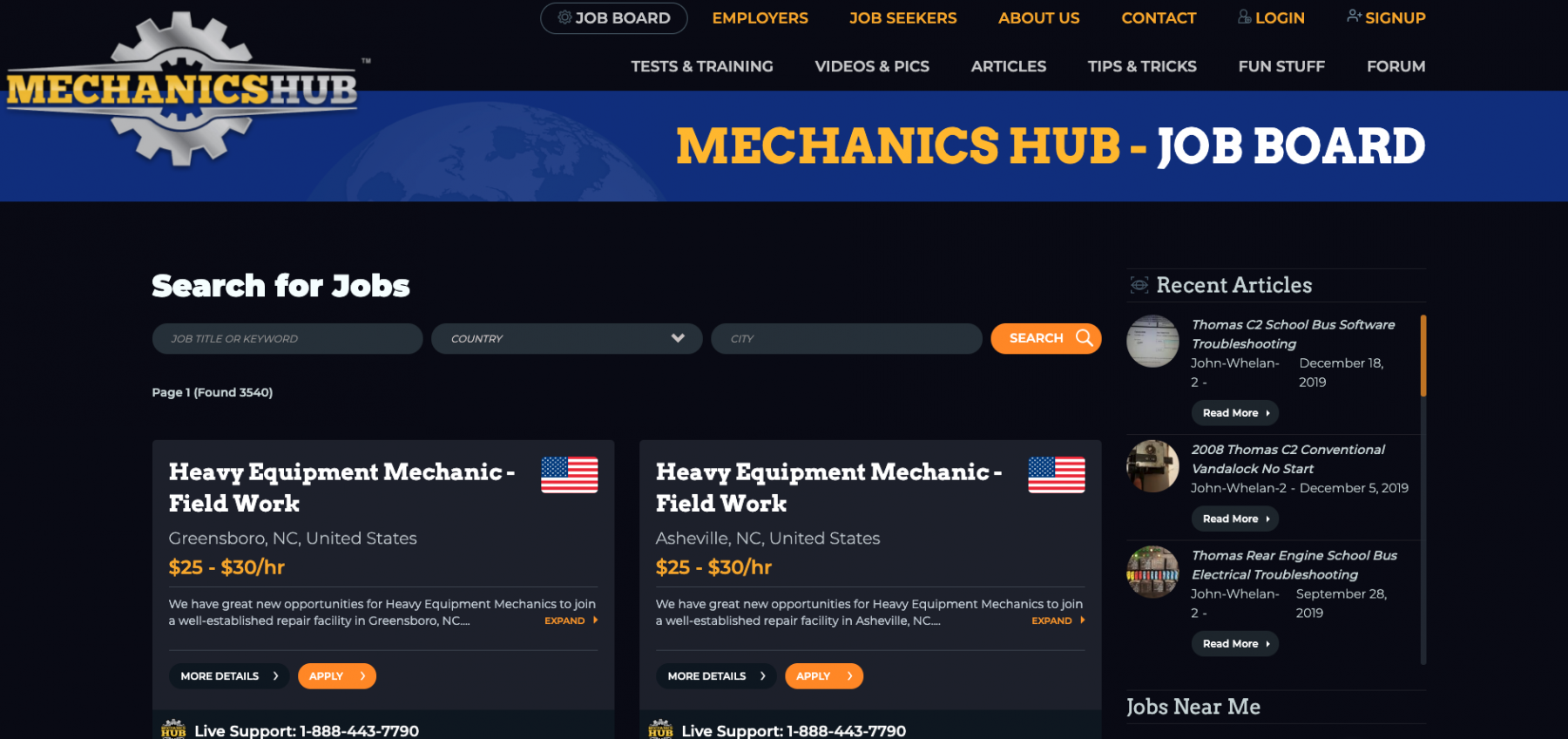
The main challenge was to upgrade the user experience delivered on Mechanicshub.com. And this called for a complete revamping of the UI.
We knew then that it was going to be quite a challenge since:
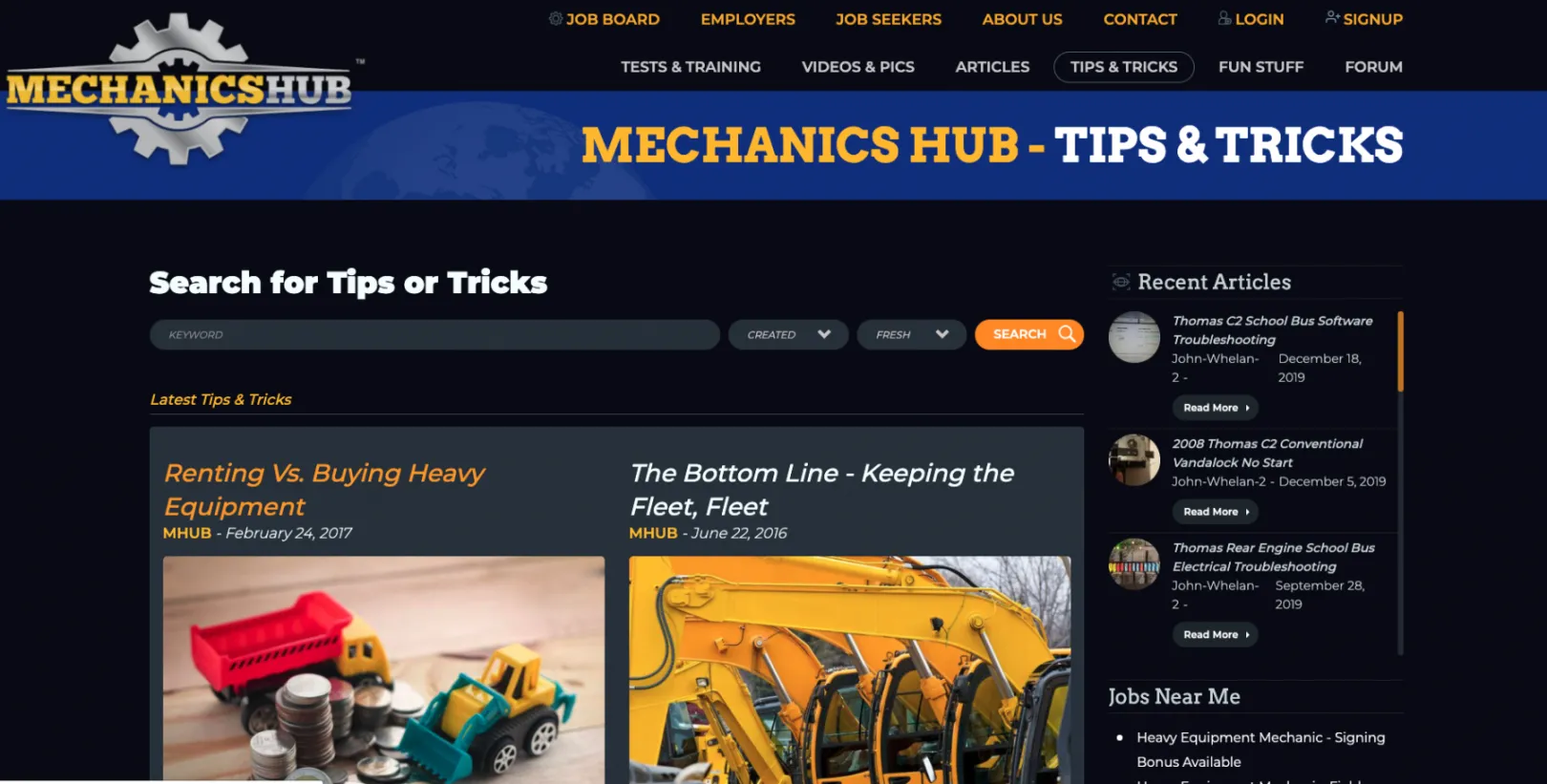
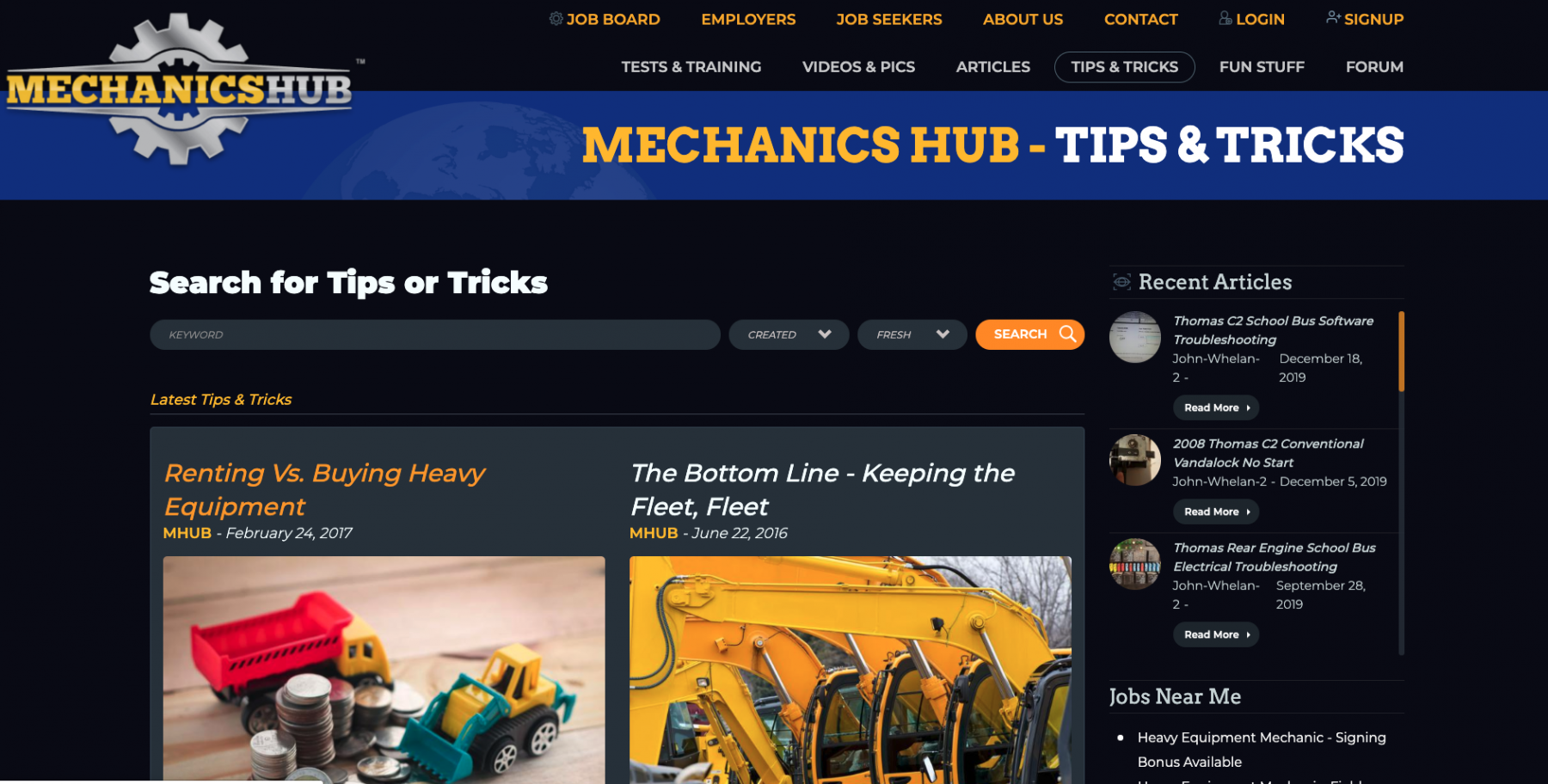
- we were talking about a content-heavy website: from trade resources to an ecosystem of content-rich subsections, to tips and tricks, to news, and an active forum, the content load the was huge
- the content there was highly diversified, as well: crosswords, videos, articles, images... we had to make it plain easy for users to navigate through such an intricate network of content, no matter what devices they'd use
Once we took note of the main challenges that we were facing, we defined our 3 key objectives for improving the UX on MechanicsHub.com:
- to restructure the information architecture so that users could explore the content more intuitively
- to create a cleaner and simpler user interface, one that should provide a better search experience
- to create a new, more modern design for the Mechanics Hub website, one that would better capture the brand's identity
The Process
We migrated Mechanicshub.com from WordPress to Drupal
And transferring such a heavy and varied load of content and assets required a multi-step, complex migration process.
We rebuilt the entire content structure
In order to provide a smoother search experience, we had to reorganize that massive tangle of information from the ground up.
And there were some particular sections on the website that called for “urgent” measures: the forum, the Articles, the Video portal.
What we did was to set up a whole new information architecture, a more logical and solid one, capable to:
- sustain such a heavy weight of content
- deliver a better content experience to the users
- provide intuitive navigation
We redesigned the website
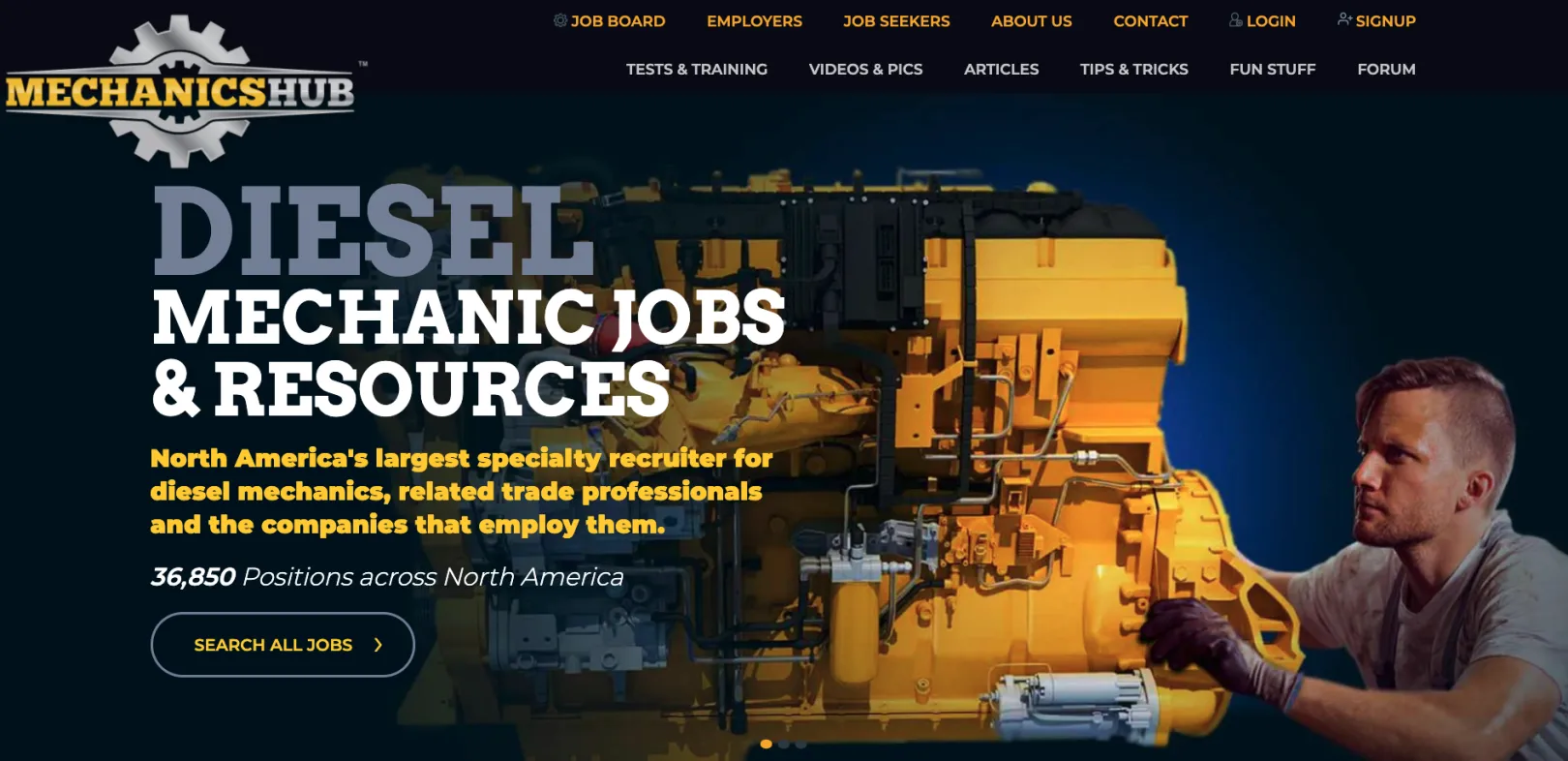
And we focused the new website design on a powerful color contrast: black and yellow.
A color “duo” that:
- reflects the Mechanics Hub's brand identity
- puts a spotlight on specific sections on the website, driving visitors' attention to them
In short, while using this color contrast to highlight key elements on the site and to grab users' attention, we strove to give it a more modern look.
A new design that complies with the current web standards.
We implemented responsive web design
Creating a responsive web portal, with an intuitive content interface, no matter the screen size, was another challenge that we managed to overcome.
Which wasn't a small one, considering the huge content ecosystem that we had to adapt all our decisions to when we implemented the new responsive web design.
And still, we succeeded.
Diesel machinery professionals and employees can now access Mechanicshub.com from all devices and benefit from the same user-friendly interface.
The Results
We've managed to turn the old cumbersome and somewhat chaotic WordPress web portal into an:
- visually-appealing
- well-organized
- user-friendly
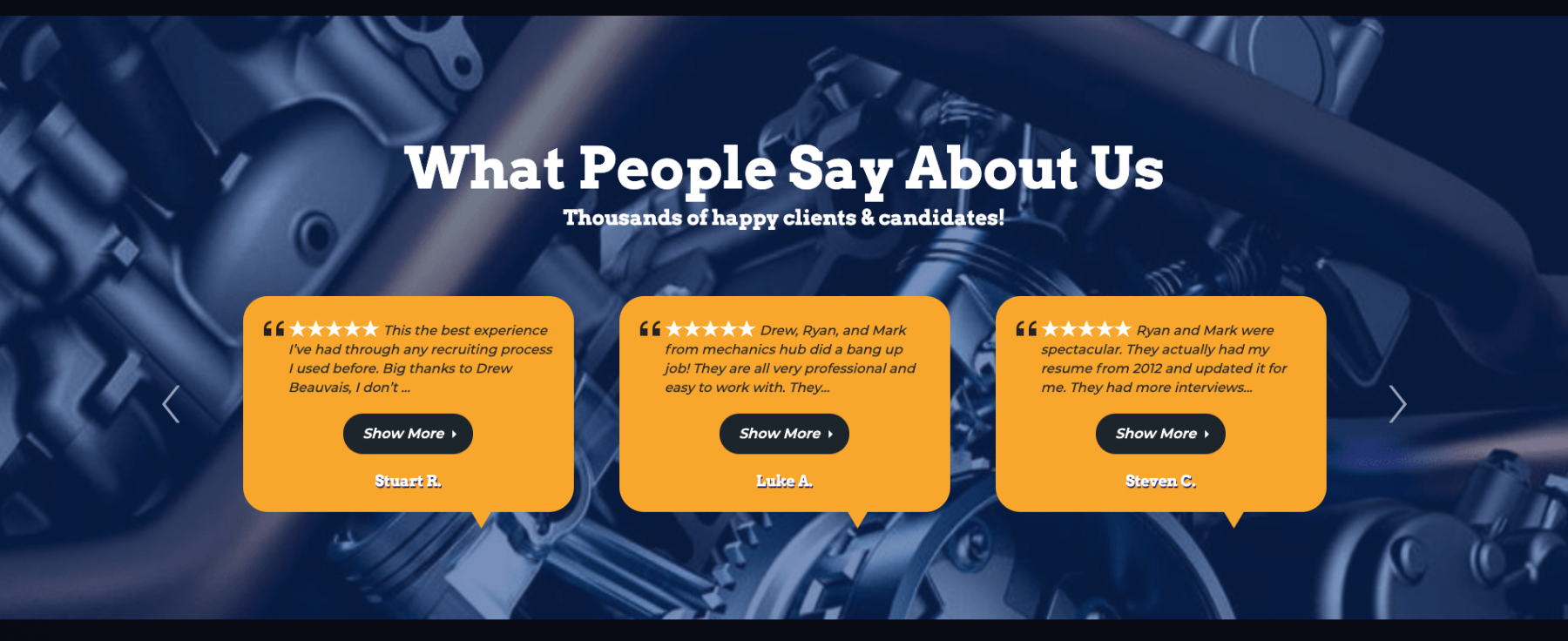
… Drupal web portal with a clean, clutter-free design, that delivers a more logical and intuitive navigation experience.
Implicitly, a better user experience, too.
Why Drupal was chosen
For 2 main reasons:
- We were dealing with a high-traffic website and Drupal's robust enough to withstand high peaks in web traffic
- We were also dealing with a content-heavy one, which narrowed down our choices significantly: we counted on Drupal's powerful content management system
Being able to add new jobs, to edit and publish articles and upload videos on the fly was crucial.
And Drupal was the only CMS to provide such advanced content capabilities and a sophisticated access control system.
Technical Specifications
Drupal version:
Key modules/theme/distribution used:
Geocoder
We used it to run custom imports of external jobs from different sources.
Here are the steps we'd take:
- once a new job was imported to our system
- we decoded its coordinates using Geocoder API
- which allowed us to show users multiple jobs on their location or nearby
Webforms & Webform Score
Webforms has been a much-needed module for all the sitewide webforms that we had to design for both anonymous and logged-in users.
We used the Webform Score as well to create online tests/quizzes that any Mechanichub user could take, receiving his answer scores by email.
Flag
We used the Flag module to enable users to bookmark and to apply for any jobs. To get easy access to all their active and past applications right in their user dashboards.
Blazy & Slick
This "module combo" allowed us to create some great sliders and to lazyload images on the website in order to ensure the best page loading time.
Recently Read
A contributed module great for tracking a user's activity across the Mechanics Hub website.
It allows users to view a list of their recently read articles and of their last search requests right on their user profile pages.