Sector(s)
Team Members
About the project
The first thing that everyone considers while planning on improving security in any login process, is always adding a second layer of authentication, or more commonly known as 2FA or MFA. However despite the additional layer of security, humans can still be tricked into letting bad actors into the system.
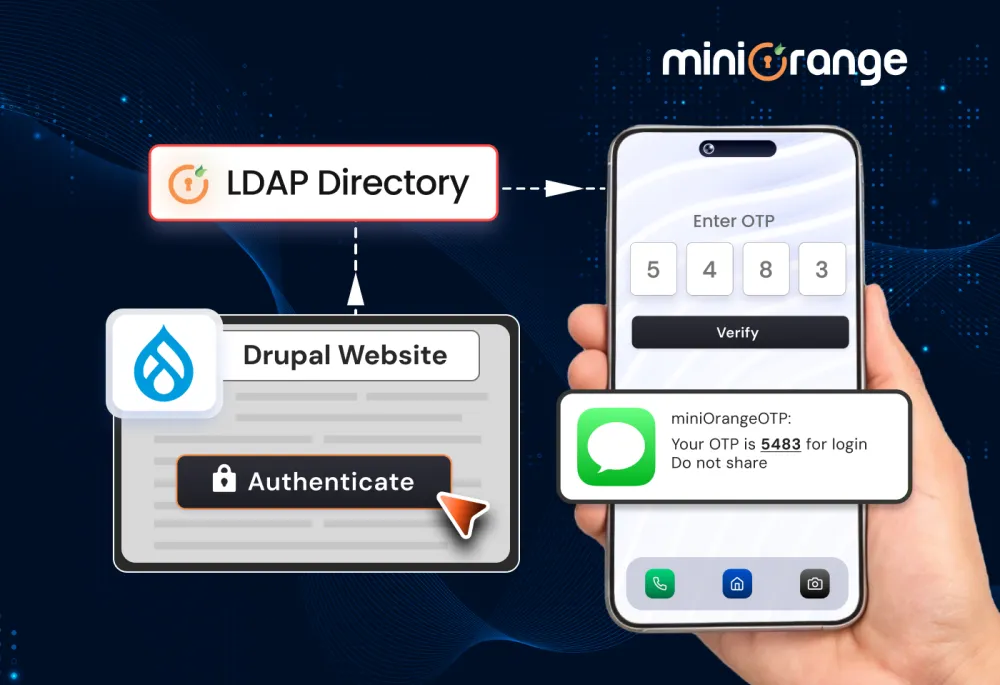
Credentials being phished (phish; verb: to trick into revealing personal or confidential information) is a very common occurrence, which is why we felt a need for additional authentication; but with modern tech and social engineering, 2FA codes can be phished as well.
Is there no phishing resistant MFA method out there?
Indeed there is. Implementing FIDO2 or WebAuthn or employing hardware keys (though it might not be a viable option for all) might just get you a MFA method that cannot be easily phished.
Bypassing 2FA to gain unauthorized access is prevalent in all industries across the globe. But it can be most harmful for government entities, educational institutions and healthcare organizations. All of these cases / areas are ones in which Drupal shines best.
What do you need to make this happen in your Drupal Environment?
- miniOrange Drupal 2FA module https://www.drupal.org/project/miniorange_2fa
- A personal device that you trust, and is protected - mobile, laptop or desktop (not shared)
- And finally, a Drupal Instance (ofcourse). The module works with all versions of Drupal, from Drupal 7 and onwards. Yes, miniOrange still supports Drupal 7 :)
If you want a full technical guide on implementing this in your Drupal environment, here’s the step by step guide for it.
How does this - FIDO2 - work exactly?
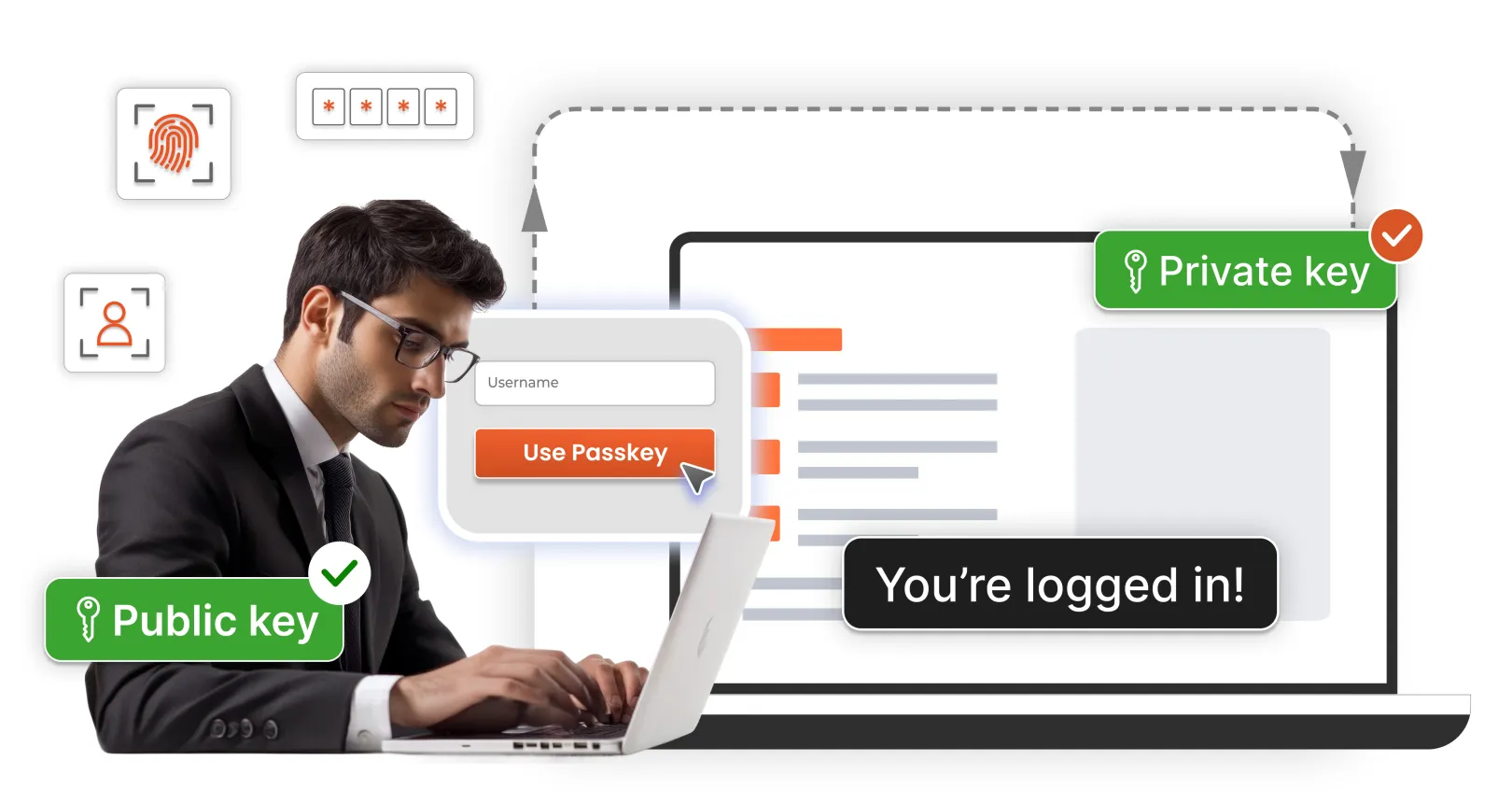
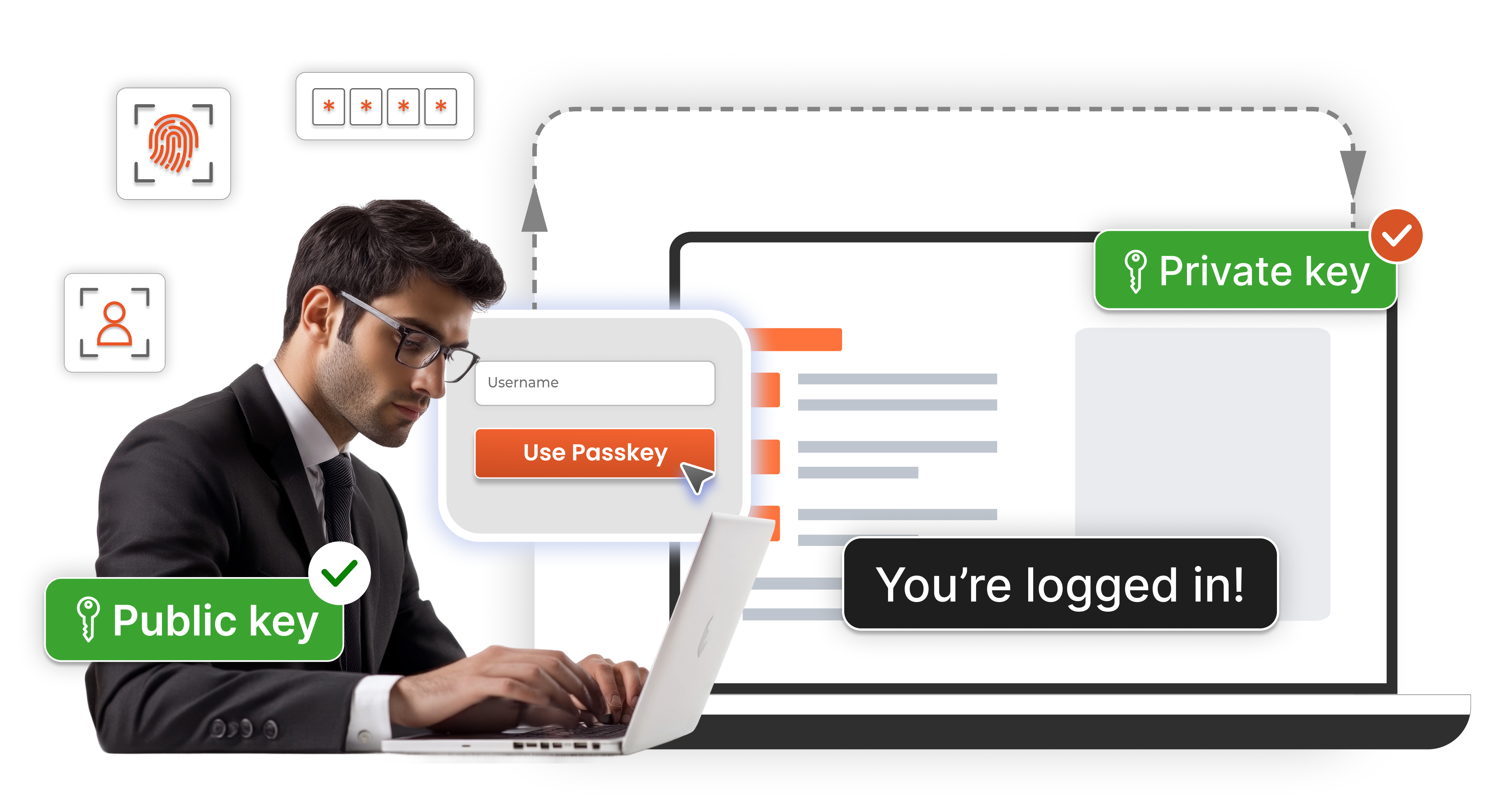
The entire FIDO2 authentication system protects user credentials through a system built on the concept of public and private keys duality, which are interdependent, one is useless without the other. This is what keeps this method safe, even in case of database breaches / dumps.
It binds credentials (public-private key combo) to a particular website / domain. This makes them redundant for any other fake website i.e. phishing websites. And unlike OTPs or passwords which can be shared / communicated, FIDO2 credentials cannot be relayed as they are hard bound to the device.
Why should you opt for the FIDO2 authentication method?
It enables rapid account access while safeguarding information with advanced security protocols.
User Experience that’s almost imperceptible
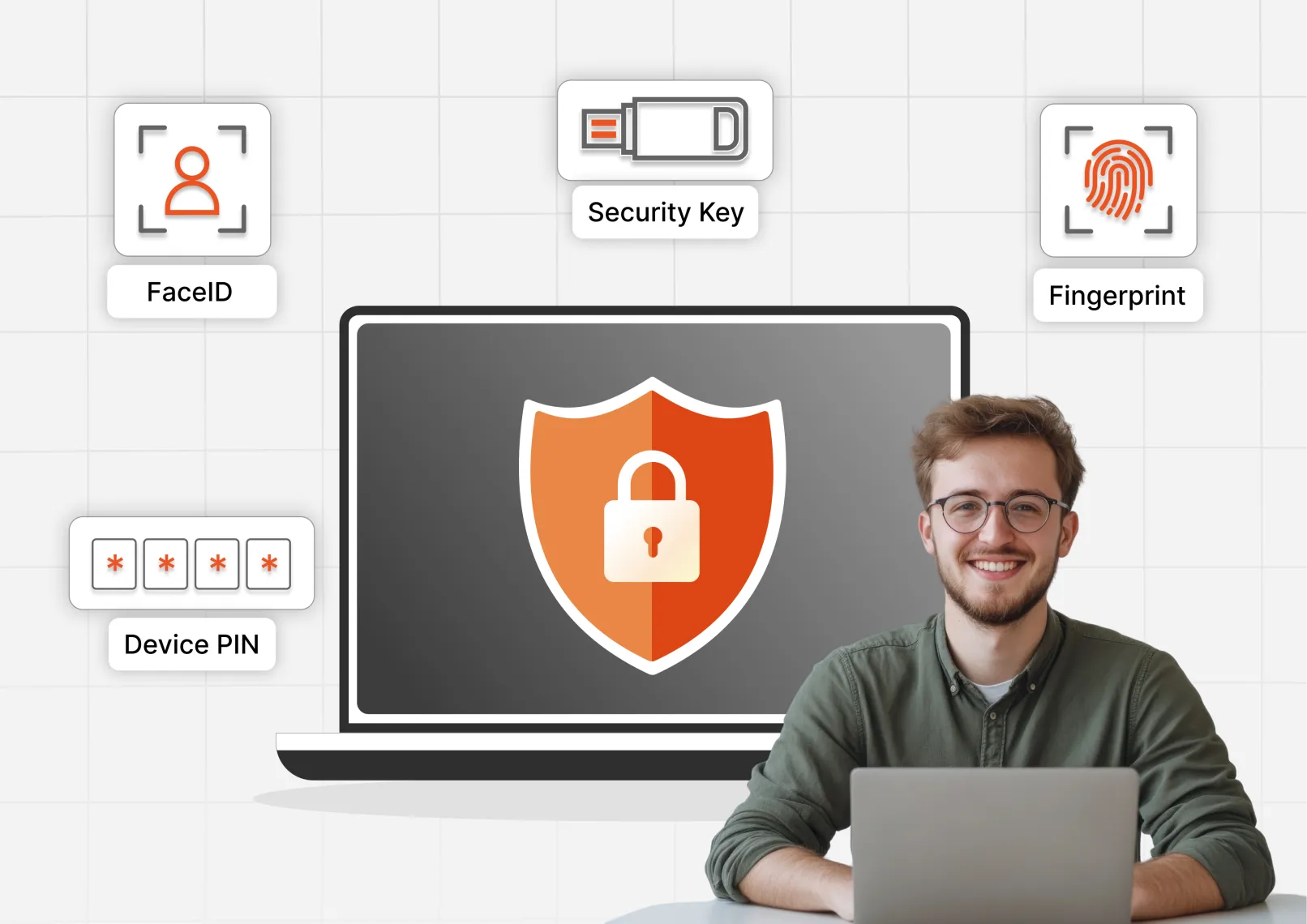
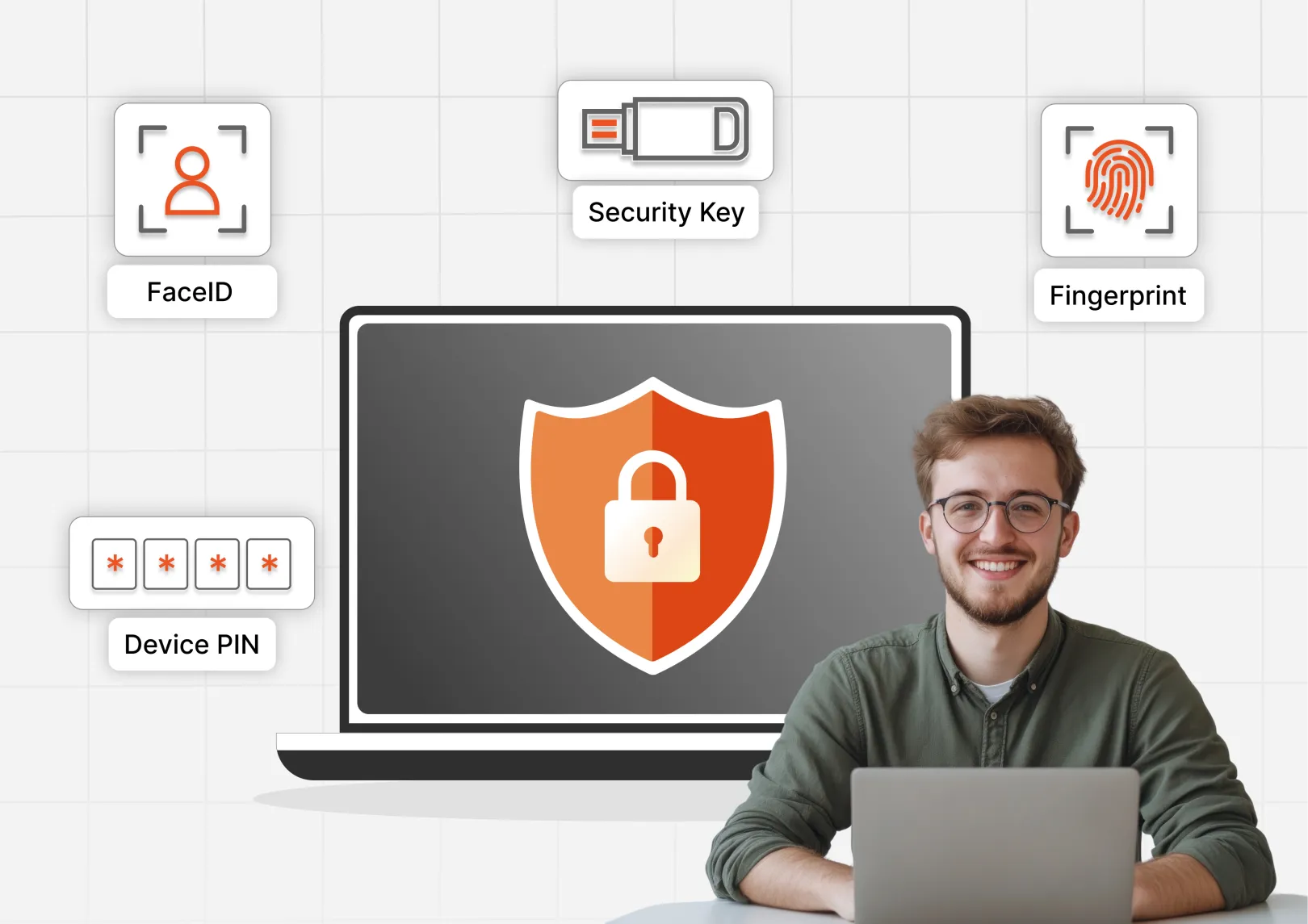
FIDO2 authentication does mean logging in without any credentials - username and password. Passwordless login process enables login via biometrics such as fingerprints, facial recognition, and device PINs for verification. This is especially imperceptible when logging in via a mobile device or a laptop with a fingerprint sensor.
Cost Savings - yes, you save money
It’s been reported that password reset requests account for almost 40% of IT helpdesk tickets. By eliminating passwords, organizations can reduce support demands and shift focus towards proactive measures / actions, rather than spending time in reactive situations. Not to mention if you have a more secure system in place, that would mean less chance of breaches and fines that might follow thereafter - excluding the damage to reputation.
Trusted by high risk industries
FIDO2 is widely adopted across finance, healthcare, and government sectors - all primary focus points of Drupal. Its hardware-backed authentication and encryption methods protect access to sensitive information.
And of course - Phishing-Resistant Security
FIDO2 protects users from phishing attacks because it does not have pieces of information that can be stolen and used elsewhere. User devices securely store credentials, making them resistant to network-borne attacks. And there are tons of measures that you can deploy to ensure device security - thus in turn improving login security.
Drupal shines in such secure environments. Defence agencies, Healthcare Organizations, Educational systems, all prefer Drupal because of its secure-by-design approach. One way to ensure a highly secure environment is to keep it completely airgapped, completely offline, completely under your control. Allowing a device inside such environments is a blatant security risk, but the MFA methods of old all rely on having some sort of a device. But with FIDO2 authentication, you can set up a secure MFA inside a secure environment all within a secure Drupal system.
We’d love to help you with that. Reach out.
If you’ve gotten to the end, you might just be interested in another highly secure MFA method that works in a completely offline environment, without a dependency on any device or hardware token. This is the grid pattern or grid card authentication.
This is critical for users in remote areas or sectors where personal devices are not allowed in secure zones, such as manufacturing floors or defense facilities.
Why Drupal was chosen
Drupal was selected because of its enterprise-grade security architecture, flexibility, and ability to support advanced authentication systems. It is widely trusted by government agencies, healthcare organizations, educational institutions, and enterprises where secure access management is essential.
Drupal’s modular ecosystem made it ideal for integrating miniOrange’s advanced 2FA and passwordless FIDO2 authentication solution.
Technical Specifications
Drupal version: