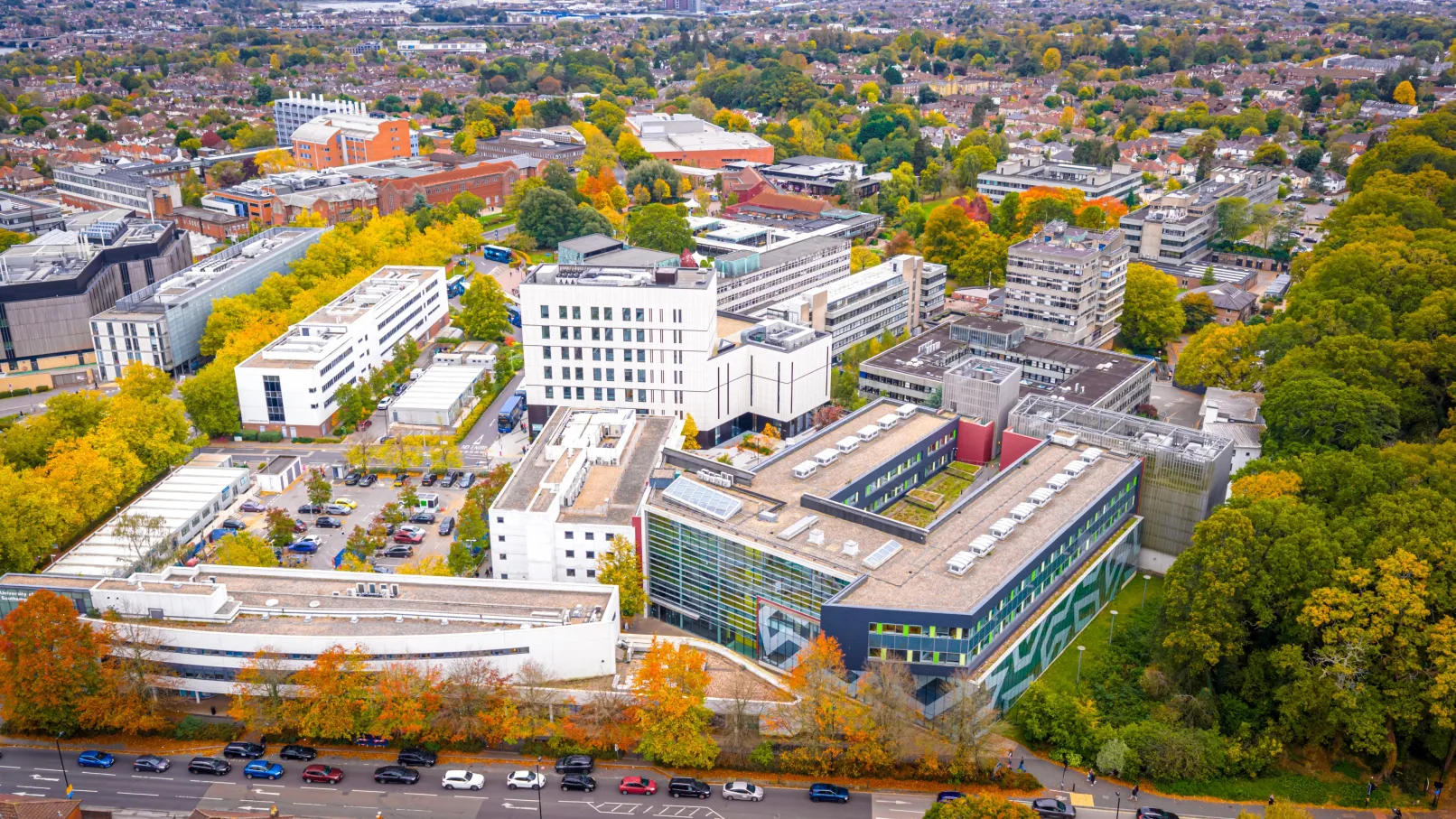
A leading Russell Group university needed to modernise one of the largest Drupal websites in UK higher education. The site serves prospective students, current staff, researchers and the wider public, pulling together course information, research outputs, staff profiles and general content into a single digital presence. With over 215,000 pieces of content, 190,000 of which are research outputs, the technical demands on the platform are considerable.
Full Fat Things ran a detailed technical review covering every aspect of the Drupal build: configuration, data architecture, content types, code quality, security, performance, accessibility and disaster recovery. From this we delivered a two-phase programme of work that brought the platform back to Drupal best practices, replacing custom software with standard tools like Migrate and Drush, speeding up data imports, and making the whole thing ready for cloud deployment.
We worked alongside the university's in-house development team throughout, running workshops, pairing with developers, and making sure knowledge transferred at every stage. The internal team started implementing recommendations before the review was finished, which was one of the best things about the engagement.
About the project
One of the Largest Drupal Sites in UK Higher Education
This university runs a Drupal site that integrates with five separate upstream systems. Pure (Elsevier's research information management system) provides research outputs, projects and organisational data. A university-wide course and module management system supplies programme information. A Microsoft-based identity management system feeds staff profiles via Azure Active Directory and OpenID Connect. Two further systems provide programme specifications and entry requirements. All of this data needs to flow into Drupal reliably and at scale.
The site had grown organically over several years. The underlying Drupal build followed many best practices, but the tooling and processes around it hadn't kept pace with the site's growth. The codebase was spread across multiple repositories. There was no CI/CD pipeline, limited automated testing, and the data import process relied on standalone PHP scripts that pushed content into Drupal via REST API calls.
We were brought in to assess the full picture and then fix it.
The Challenge
The problems fell into three areas: data, editorial experience, and infrastructure.
Data ingestion was slow and fragile. Five external systems fed content into Drupal through custom PHP scripts and REST API calls. Every import required a full HTTP round trip, making the process slow. Fields that should have been direct entity references were instead storing external identifiers and performing lookups at runtime, so every page load carried unnecessary overhead. The import scripts were a standalone codebase, separate from the main Drupal project, that the university had to maintain, test and deploy independently.
Editors were struggling. The heavy use of the Paragraphs module made content edit pages extremely slow to load and render. There was no editorial workflow, meaning content couldn't be drafted, reviewed and approved before publication. The university wanted to devolve editing responsibilities to faculty teams but lacked the access controls and processes to do this safely.
The infrastructure was holding things back. The codebase was fragmented across multiple repositories, making development slow and deployments manual. There was no continuous integration pipeline and limited automated testing. The site was still running on PHP 8.0 with a Drupal 10 upgrade on the horizon.
Goals
- Replace the fragile, custom data import system with something that lives inside Drupal and can be maintained by the same team using the same tools
- Give editors across faculties the ability to manage their own content through proper workflows, with quality controls and access restrictions
- Consolidate the codebase, introduce CI/CD, and bring automated testing into the development process
- Prepare the platform for Azure cloud hosting with autoscaling, CDN and proper disaster recovery
- Upgrade the codebase for a new version of PHP and prepare for a major version Drupal upgrade
-
Connect the design and development workflow through Storybook so components move from Figma to production without drift
Our Solution
Replacing Custom Imports with Drupal Migrate
This was one of the biggest wins of the project. The university's data import process had relied on standalone PHP scripts that pushed content into Drupal via REST API. It worked, but it was slow, it had known bugs, and it was an entirely separate piece of software that needed maintaining independently of the main site.
We converted every import process to use Drupal's core Migrate framework. This is an ETL (extract, transform, load) system built into Drupal itself, defined in structured YAML configuration files, with a rich set of extraction, transformation and loading plugins.
Each of the five data sources got its own set of Migrate pipelines:
- Pure (Elsevier): Research outputs, research projects, and organisational hierarchy data. The university has over 190,000 research outputs alone, making this the largest single data source. We converted these to a custom Drupal entity type, separating them from editorial content into their own database tables. This improved query performance across the site because Views and entity queries no longer had to filter through a single massive node table.
- Course and module management system: Programme and module information including titles, descriptions, UCAS codes, and structural relationships between programmes and their constituent modules.
- Microsoft identity platform: Staff profiles fed via Azure Active Directory and OpenID Connect. The Migrate pipelines pull profile data and map it to Drupal user entities with the correct role assignments.
- Programme specifications database: Detailed programme specification documents linked back to the relevant course content.
- Entry requirements database: Entry requirement data tied to specific programmes, imported and linked through entity references resolved at migration time.
The performance improvement was immediate. Migrate uses direct database access through Drupal's own APIs rather than HTTP network transfers, so imports run faster. The entire standalone import codebase was retired. Everything now lives inside the Drupal project, maintained by the same team, using the same tools and processes.
We also converted the indirect field references to proper Drupal entity references. Previously, when a research output page needed to display its associated researchers, the system would store identifiers from Pure and look them up at runtime, loading the relevant content on the fly for every page view. Now those relationships are resolved at import time by the Migrate framework, which handles the mappings between systems automatically. Page rendering got noticeably faster because the data is already linked, with no more uncached lookups on every request.
The Migrate framework also gave the university proper handling of deleted records, logging of successful updates, error reporting and migration statistics. None of this existed reliably in the old system.
Empowering Editors Across the University
One of the university's main goals was to open up content management beyond the central digital team. Faculty staff needed to create and update their own content, but within guardrails that maintained quality and consistency.
We ran workshops with stakeholders across the university to map out how content flows from creation to publication. From those sessions we designed a role-based editorial workflow with four tiers: content authors, faculty managers, publishers and administrators, each with carefully scoped permissions.
We implemented the Group and Content Access modules to create editing silos so faculty teams could only access their own content. The Workflow module introduced proper draft, review and approval states, along with scheduled publishing. Content versioning meant changes could be previewed and rolled back.
We replaced the sluggish Paragraphs-based editing interface with Layout Builder, giving editors a more visual page-building experience. Editorial pages that had previously taken several seconds to load became responsive and usable. Faculty teams could actually get on with managing their content without waiting for the interface to catch up.
Connecting Design and Development with Storybook
The university's Digital UX team designs components in Figma, but there was no reliable pipeline to get those designs into the Drupal theme. Storybook was configured in the project but wasn't working properly, creating a gap between design intent and what developers actually built.
We got Storybook running within the development environment and connected it to the existing component-based theme architecture. The theme already used the Components module to build UI elements in isolation, an approach that maps well onto Drupal's Single Directory Components feature introduced in Drupal 10.1.
With Storybook working, the pipeline runs like this: designers hand off components in Figma, developers build and review them in isolation in Storybook, and those same components flow directly into Drupal templates. The Digital UX team and the development team work from the same source of truth. Components can be iterated on without touching the full site. New team members can see the full component library and understand the design system without digging through production templates.
Moving to Azure
The university's development workflow had been largely manual, with code tagging, releases and deployments all done by hand. The codebase was fragmented across multiple repositories, making even routine updates slow. The university already used parts of the Azure cloud platform, so it made sense to bring the website into that world.
We consolidated everything into a single repository and built out a full CI/CD pipeline on Azure DevOps. Every pull request triggers automated test runs, Backstop visual regression tests, coding standards checks and static analysis. Developers get fast feedback and the whole team has more confidence in the codebase.
We delivered staging environments on Azure, implemented a proper tagged release and deployment process, configured server-side cron for background operations like migrations, and set up Renovate for automated dependency updates.
We put in place the full groundwork for Azure production hosting: autoscaling containers that respond to CPU load, point-in-time database recovery for up to 35 days, versioned blob storage and a global CDN for the university's international audience. The architecture means the site can handle traffic spikes during clearing and results days without breaking a sweat.
Codebase Cleanup
The technical review uncovered a range of issues across the existing codebase. We fixed coding standards and static analysis issues, cleaned up latent bugs, and gave developers more confidence going forward.
We uninstalled unused modules, cleaned up unused content types and fields, and retired unnecessary custom code. The site had 51 content types, three of which were unused, and roughly 70 contributed modules alongside 10 custom modules. We reviewed every one and trimmed what wasn't needed.
The Drupal 10 upgrade was reviewed and code compatibility brought forward to PHP 8.2. We added per-environment configuration splits and implemented basic test coverage as patterns for the internal team to follow.
Why Drupal was chosen
Drupal was already in place, and for good reason. A site of this scale, with 217,000 content items and five upstream data sources, needs a CMS that can handle structured content and complex entity relationships without buckling.
Drupal's Migrate framework was a major factor in the approach. The university needed to replace a fragile custom import system, and Migrate gave us a way to do that using configuration files and standard plugins rather than writing and maintaining a separate application. The framework handles extraction, transformation, loading, rollback, logging and error reporting out of the box.
The entity system gives Drupal the ability to model the university's content in a way that reflects the real-world relationships between research outputs, researchers, projects, organisations, courses and modules. Entity references resolved at import time mean fast page rendering with no runtime lookups.
Layout Builder gave editors a visual, drag-and-drop page building experience without needing a decoupled front end. For a site where dozens of faculty teams need to manage their own content, that kind of editorial flexibility is important.
The Group and Content Access modules made it possible to create proper editing silos with role-based permissions, something the university needed before it could safely devolve content management to faculty teams.
Drupal's configuration management system meant we could version-control the entire site configuration, split it per environment, and deploy changes through a proper CI/CD pipeline with confidence that staging matched production.

Technical Specifications
Drupal version:
Key modules/theme/distribution used: