Visit the site
Visit the siteOrganizations Involved
Community contributions
We believe in open source and are enthusiastic contributors to the Drupal community. We are not only interested in code, but also in making Drupal better known in Germany. Typo3 is still widely used by public organisations in particular, although satisfaction with the system is not really high. However, the fears associated with a change often prevent organisations from making the switch. This is only possible if the advantages of Drupal are communicated and made visible.
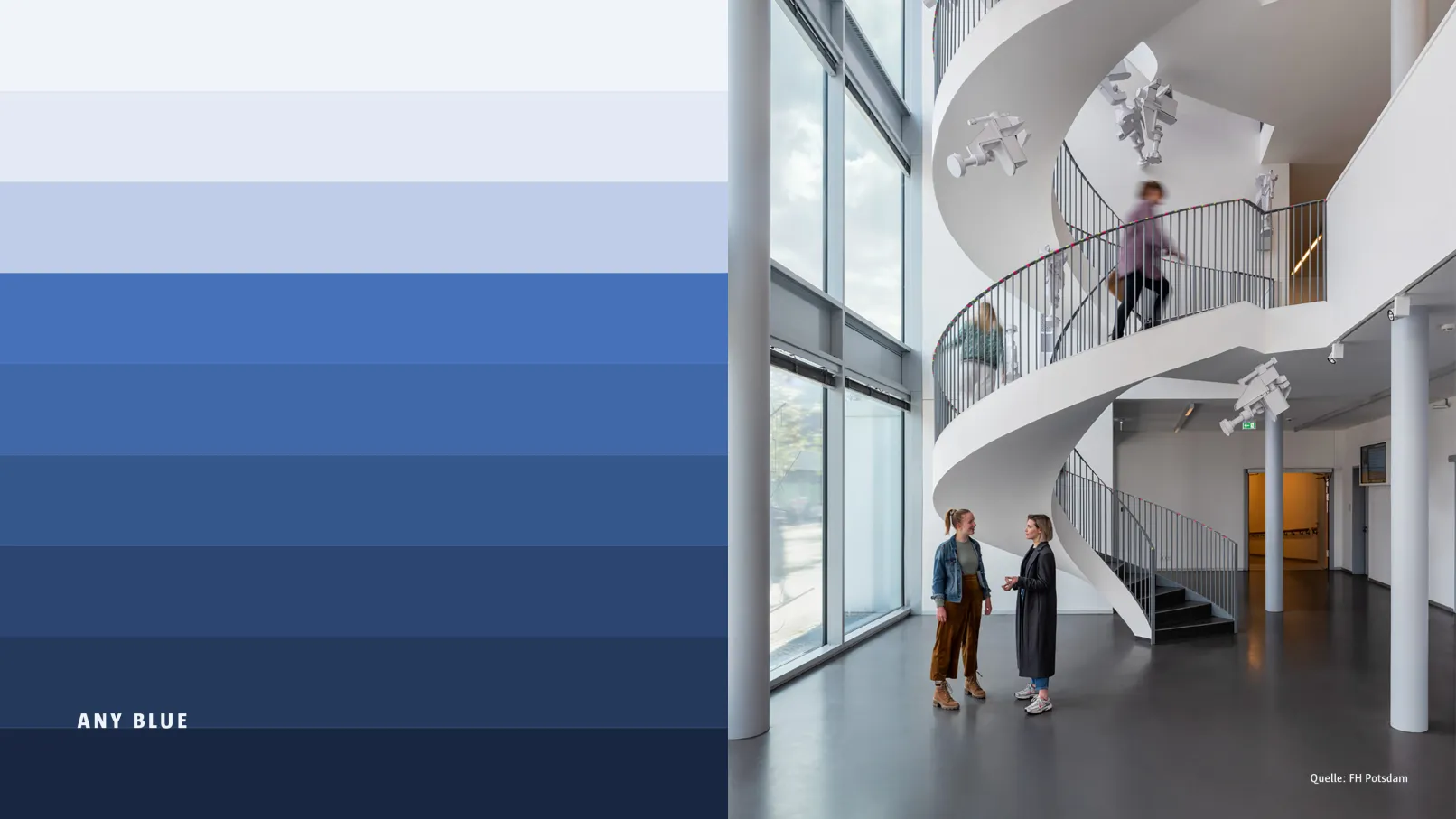
Founded in 1991, the Potsdam University of Applied Sciences (FHP) now has around 200 professors and 3,600 students enrolled in over 30 degree programmes ranging from information and engineering sciences to socio-cultural and design disciplines.
The university is particularly committed to promoting social development by combining its subjects interdisciplinarily in the following profile lines: 'Digital Transformation – Urban Future', 'Educating Society' and 'Designing, Building and Preserving', from the perspectives of study, teaching, research, knowledge transfer and further education, both regionally and internationally.
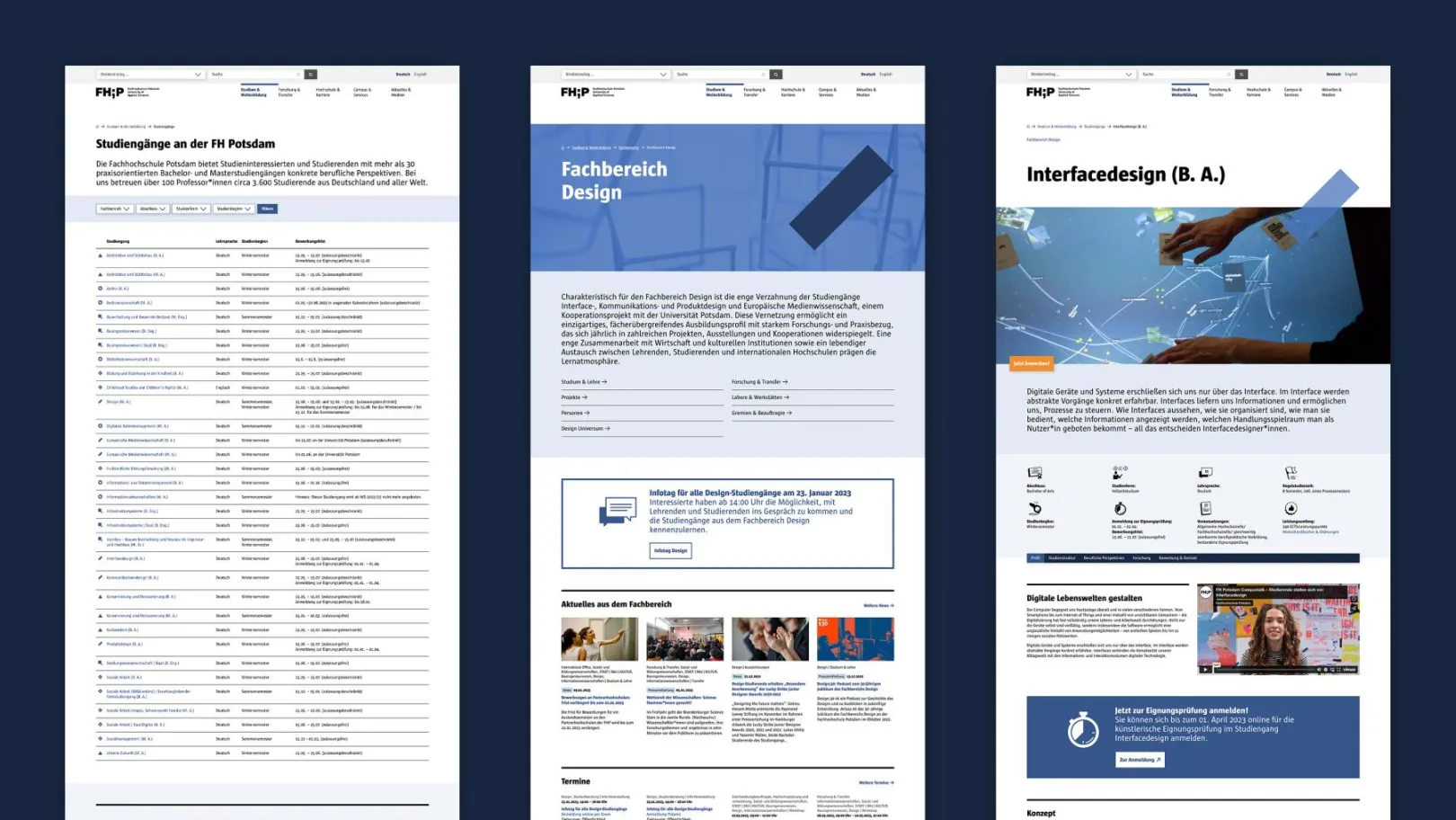
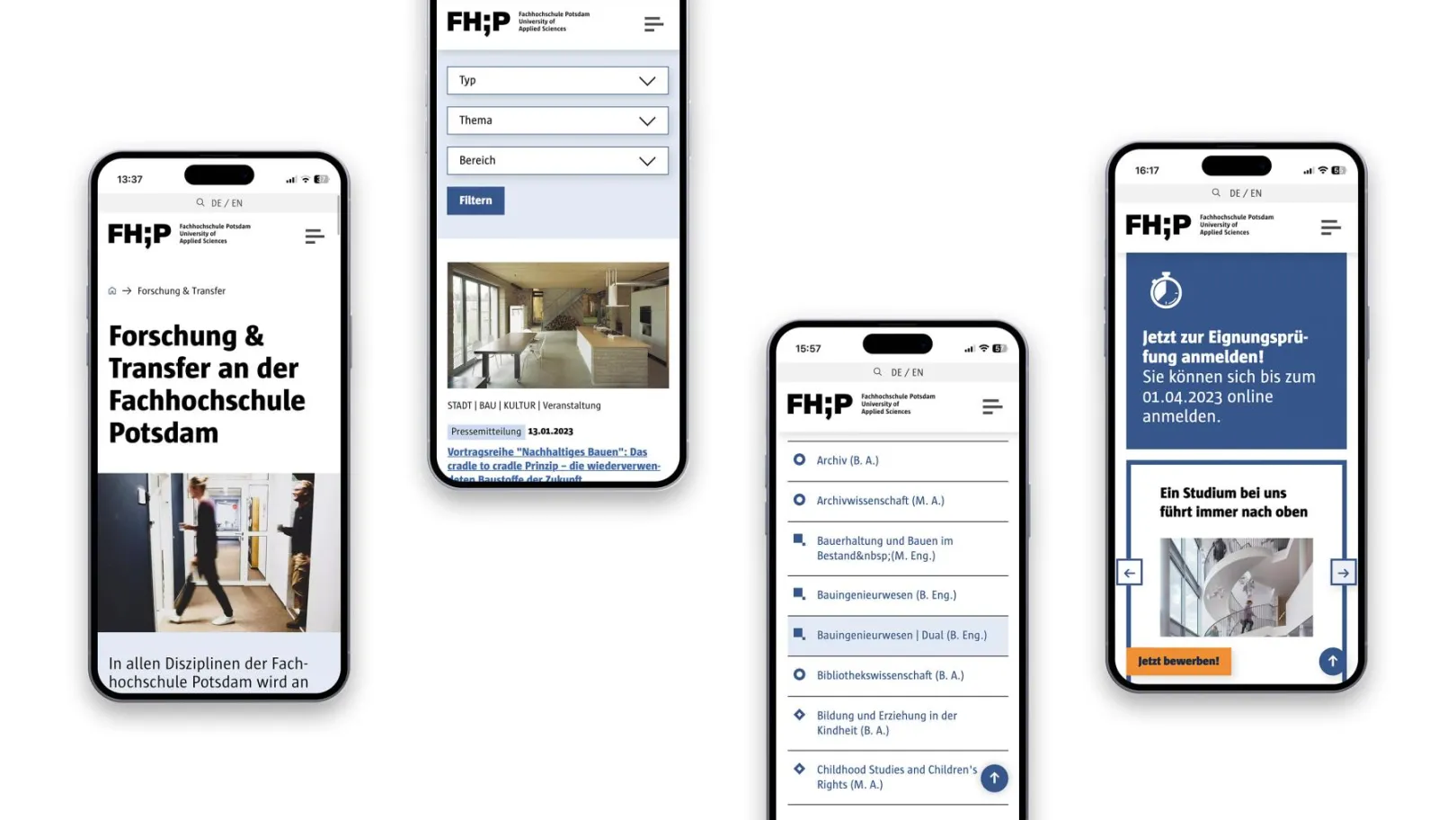
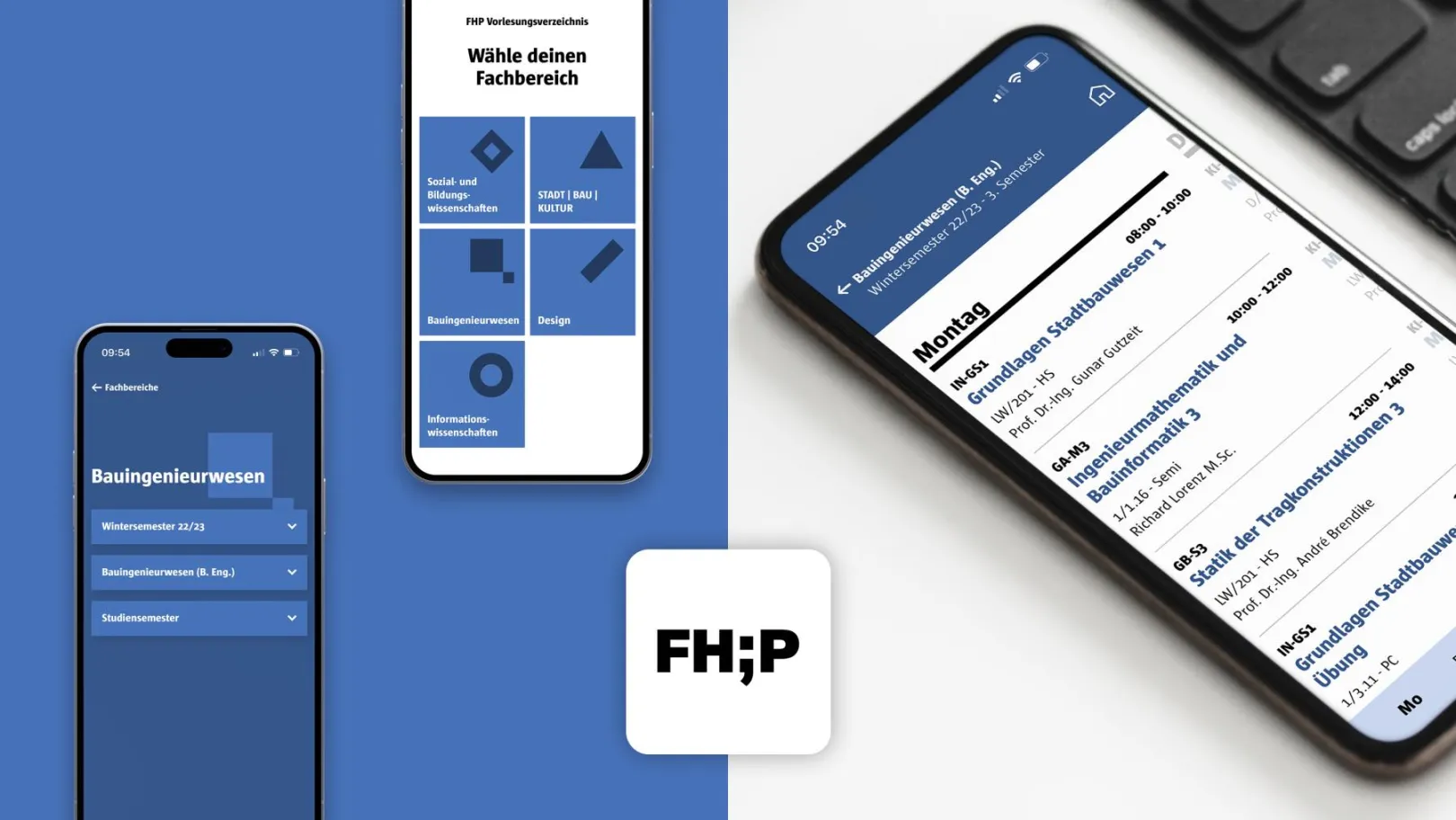
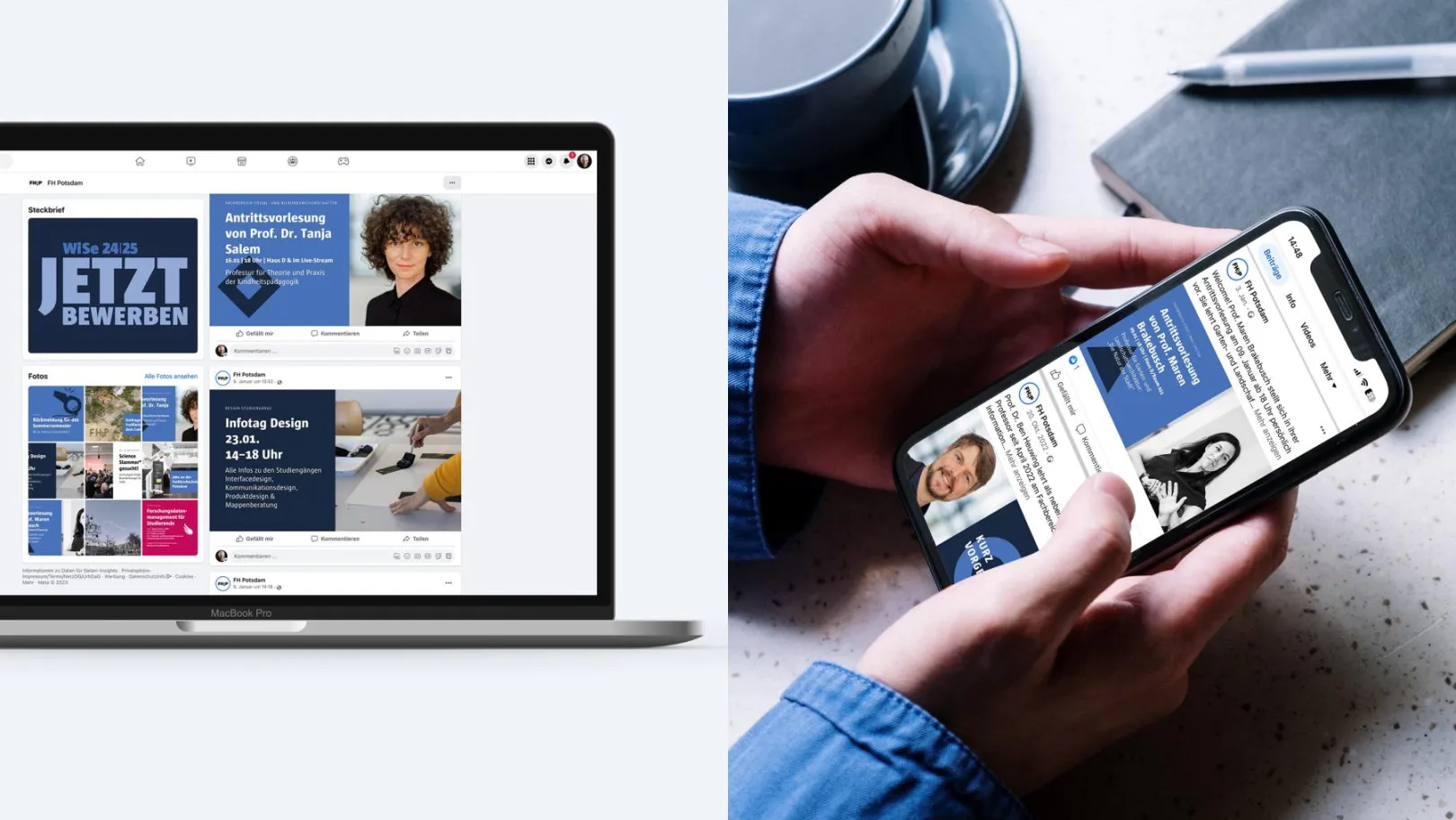
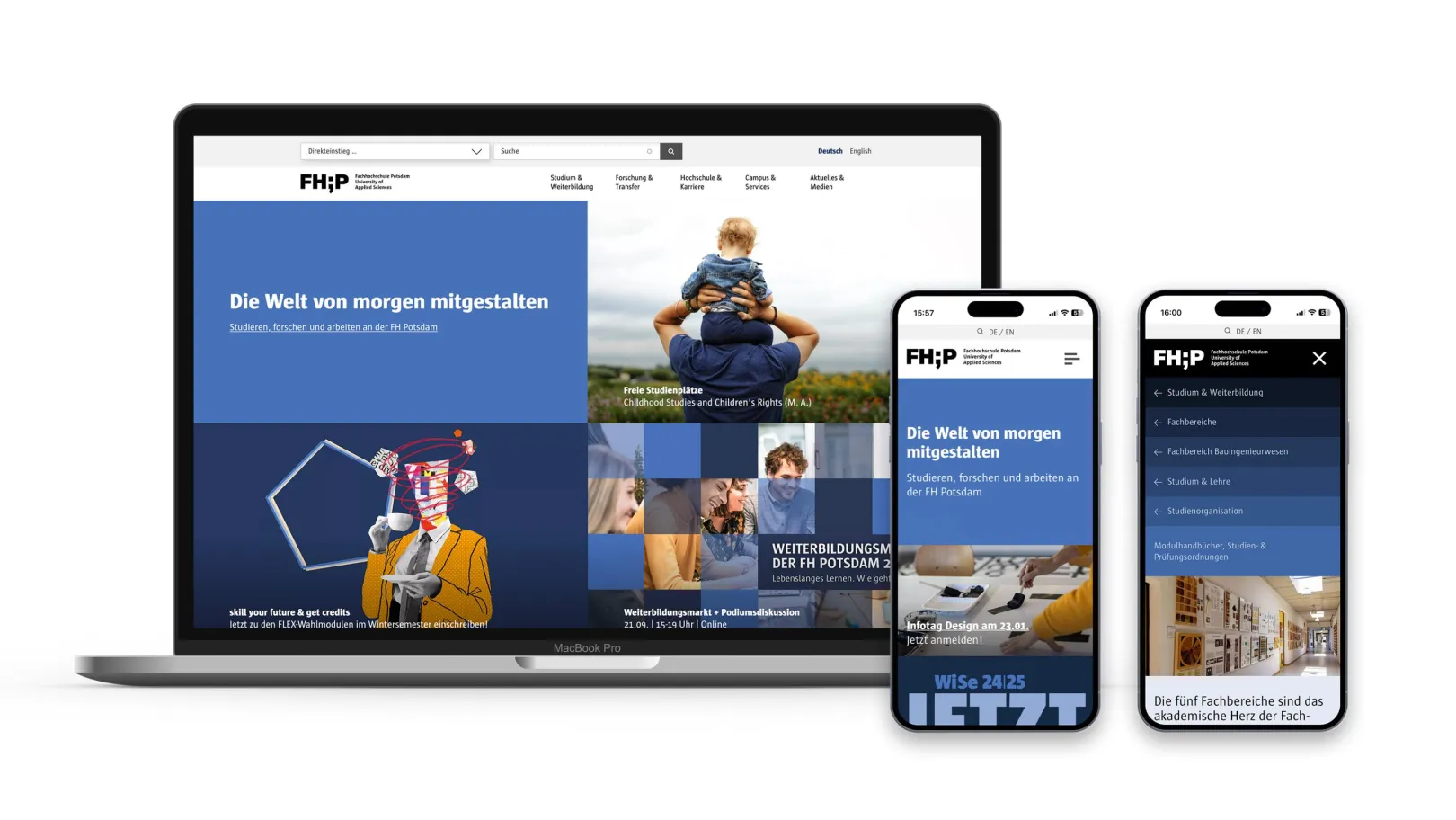
The digital presence of Potsdam University of Applied Sciences was realised using Drupal 9 based on our own distribution, 'Brandcoded'. The platform includes a public website and a closed area that can be used as an intranet. It also has many interfaces to other systems and a course catalogue, which is available on the website and as a mobile web application for students.
The content management system is also used to manage the digital signage system on the university campus, in addition to the website.
About the project
In addition to clarifying the possibility of migrating the content to Drupal for enrichment, another challenge was to connect different tools and systems to avoid duplicate maintenance. This is because the content is linked via central taxonomies, enabling the presentation of content modules in different contexts without the need for significant maintenance. The aim is to provide various stakeholders with a comprehensive overview of the university's programmes and services.
Single sign-on using Shibboleth/SAML is used to access the restricted areas of the website. Users authenticated in this way with their campus account can be granted additional rights as Drupal web editors.
To meet the high accessibility requirements, optimising the front end of the website and ensuring the back end had a logical, accessible structure was of central importance. Consequently, an FHP editor with severe visual impairment can now edit page content independently.
The central editorial team at FHP's public relations department has very high quality standards. For this reason, a system of roles and permissions was introduced from the outset to ensure sufficient flexibility, giving the individual editorial teams as much room for manoeuvre as possible while ensuring that content is checked and approved by the central office. Combined with the multilingual nature of the site, the approval workflow is one of the most challenging processes that we still need to work on and optimise.
Course catalogue data is imported from a third-party system that provides the data in a proprietary format. Importing this data correctly and regularly into the CMS without loss or duplication has proven particularly challenging. Ultimately, a solution was found that enables the editorial team to initiate the import with a single click in the administration area.
Why Drupal was chosen
The aim of the relaunch was to modernise the digital presence, merge the website and intranet, connect various tools and systems, and implement review and approval processes to ensure quality. Last but not least, Typo3 was to be replaced as the content management system.
To meet the diverse and sometimes conflicting requirements of the university's various institutions, extensive content analysis was carried out in advance. This took into account the existing Typo3 content, focusing particularly on user expectations and preparing content for different media in accordance with current standards.
To meet content requirements and achieve a high degree of flexibility in website maintenance, a comprehensive set of content modules (paragraphs) was developed. This allows for simple content maintenance and retrieval of different content, which can be filtered according to central taxonomies. This approach considers the idea of interdisciplinary links in line with the university's profile areas and offers a high level of convenience in content maintenance.
Despite the extensive and sometimes complex content (currently comprising over 9,000 nodes), the development process focused on ensuring fast loading times and continuous improvement of the user experience, including on mobile devices. Responsive image styles, optimised image compression and loading speed, and lightweight code were all implemented as a result. The aim was and is not only to pass the Core Web Vitals evaluation of the pages, but also to achieve the highest possible score. This is a goal that can only be achieved through continuous improvement and optimisation.
Technical Specifications
Drupal version:
Over the last few years, we have been working on patches for both the core and contrib modules, as well as developing various custom modules for our distribution and other projects. The most important of these for this project are listed below.
Core/Contrib
- Content Moderation, Workflows, Workbench Email
- Migrate/Migrate Plus/Migrate Tools
- Image Widget Crop, Media Bulk Upload / DropzoneJS, ImageAPI Optimize WebP, Svg Image
- Digital Signage Framework
- Entity Print
- simpleSAMLphp Authentication, External Authentication
- Matomo
- Scheduler, Scheduler Content Moderation Integration
- Search API, Search API Autocomplete
- Translation Management Tool, TMGMT DeepL Integration
- Webform
Custom
- Calendar Links (Save events in the calendar)
- Paragraph Anchors (Deep links to content modules)
- Search Filters (Hiding certain content from the search results)
- SVG Favicon (Support for Dark & Light Mode in Favicon)
- Text Formatters (Collection of field formatters for styling fields in the frontend)
- Timetable (Import of the course catalogue)
- Video Poster (Poster image for video elements)
- Views Filter Count (Filter number of search results in views)
- Visibility Filter (Marking of internal pages with a lock symbol)
Contributions to Issues
- Optimisation of the ‘Input Required’ function of views filters: https://drupal.org/i/3300701, https://drupal.org/i/3300709, https://drupal.org/i/3300714, https://drupal.org/i/3300721
- Display of DateTimeRanges: https://drupal.org/i/2827055
- Optional End Date: https://drupal.org/i/3312834
- Paragraphs: https://drupal.org/i/3084934
- Scheduler Content Moderation: https://drupal.org/i/3274274
- Workbench Email: https://drupal.org/i/3017273
- Entity Reference Integrity: https://drupal.org/i/3106850
- Menu Block: https://drupal.org/i/3007225
- Menu Trail by Path: https://drupal.org/i/2870738
- Obfuscate: https://drupal.org/i/3226644, https://drupal.org/i/3226914, https://drupal.org/i/3312913, https://drupal.org/i/3366415
- SVG Image: https://drupal.org/i/3227734, https://drupal.org/i/3257729, https://drupal.org/i/3185492
- Views Reference Field: https://drupal.org/i/3372622